
As a CAD instructor, I begin every project by choosing the right workspace and grid. The precision of your setup often determines how smoothly you model curves and arcs. For tasks that involve angles and radii, I reach for polar coordinate graph paper.
In polar coordinates, points are defined by a distance and an angle from a fixed reference. This makes it easier to sketch circles, spirals, and radial symmetry by hand before you commit to CAD commands. The grid lines align with angular steps, so you can plan features like arcs or polar arrays with less mental conversion and more direct visualization.
Why polar grids matter
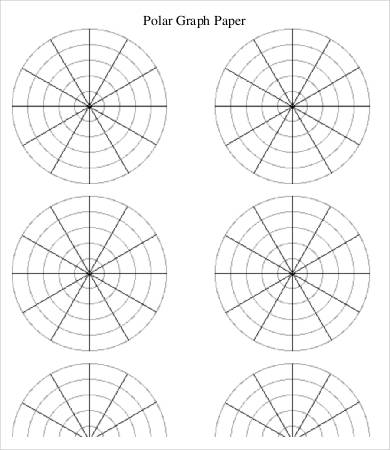
Grid spacing, margins, and printable grids all affect how accurately you transfer ideas from paper to model. A polar grid may feature radial spokes and concentric circles in common increments like 5°, 10°, or 15°, with margins that keep your sketches centered on the page. Choosing a grid size readable by your printer helps prevent errors when you digitize later.
Compared with plain, unlined paper, a polar coordinate grid gives structure for circular layouts, reducing guesswork. Lined graph paper can help with straight sections, but it lacks the angular emphasis you get from a full polar grid. In practice, use plain paper for quick thumbnails, but switch to grid paper when you need repeatable radii, angles, and consistent spacing.
Choosing the right grid
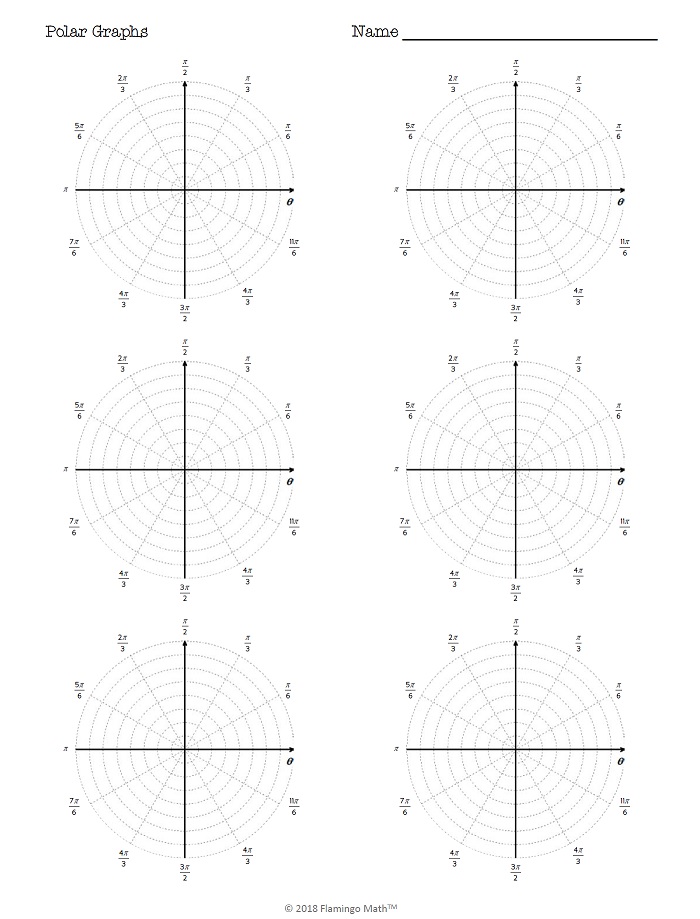
Step-by-step planning for a smooth CAD workflow with polar grids: 1) define the drawing's purpose and scale; 2) estimate the maximum radius and range of angles; 3) pick a grid spacing that matches your units; 4) mark the center and reference direction; 5) draft key features using radial and circular guides.
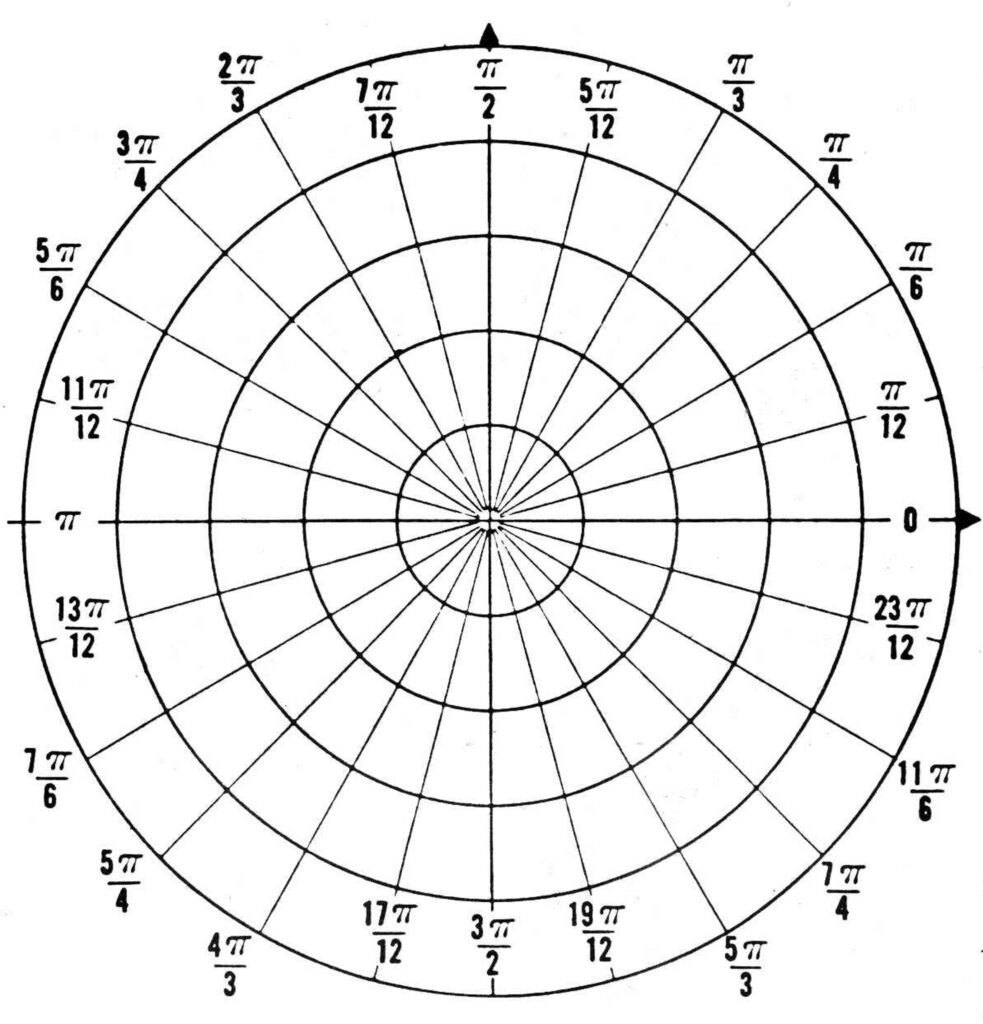
Printing and setup tips: choose Letter or A4 and set orientation to portrait or landscape as needed. Before printing, verify the scale and margins. FAQ: Q1: Is polar coordinate graph paper good for 2D CAD layouts? A: Yes, it helps with radial features. Q2: how should I choose grid spacing? A: Start with 1/4 inch on Letter, 5 mm on A4. Q3: will printing affect accuracy? A: Always verify scale with a ruler.
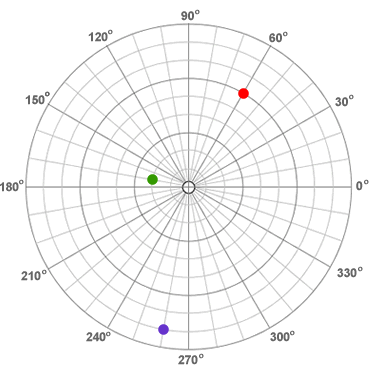
Conclusion: Polar coordinate graph paper offers a practical way to plan circular features and angular relationships before committing to a CAD model. When choosing grid size and paper, balance readability with precision, and leverage printing settings to preserve scale. By planning in steps and verifying measurements, you improve accuracy and speed in both drafting and modeling tasks.