
As a CAD instructor, I start every project with a fresh sheet of printable grids to map ideas before drafting. The idea of graph paper to print gives students a tangible sense of scale, alignment, and spatial relationships, which speeds up subsequent digital work and reduces rework later.
Using grid paper helps visualize coordinates, estimate distances, and keep lines straight without a ruler in every draft. It trains the eye to respect scale and proportion, so when you move to CAD, you waste less time correcting misaligned elements. This practical habit translates into cleaner models and faster iterations. The habit also lowers frustration for beginners who are still learning unit conversions and layout rules.
Grid paper basics
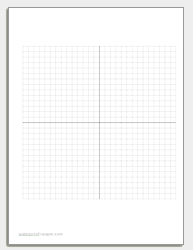
Graph paper, grid paper, and coordinate grids each have a role in design workflows. Square grids provide uniform spacing, while coordinate grids help map exact positions. Printable grids often include margins and axis marks to aid alignment, while lighter lines stay out of the way. Knowing these options helps you pick the right tool for a sketch or layout.
Choosing grid size
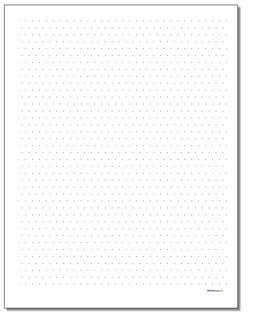
Choosing grid size means balancing detail with readability. For conceptual layouts, larger spacing like 0.5 inch (12 mm) speeds sketching. For components or tight layouts, 1/4 inch (6 mm) or 1/8 inch (3 mm) grids provide more precision. Start with a couple of options and test a simple object to see which feels most natural.
Printing and alignment
Plain paper and lined paper can be convenient for quick notes, but they lack consistent guides for scale and alignment. Grid paper provides objective references—grid spacing, axis lines, and coordinate marks—so you can translate sketches into CAD coordinates more reliably. For quick notes, plain or lined sheets work, but for drafting, grid paper is the better foundation.
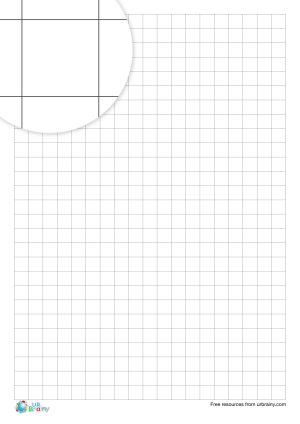
FAQ: Q1: What grid spacing is best for cad planning? A1: Start with 0.5 inch spacing for quick layouts, then switch to finer spacing for detail work. Q2: Should I print at 100% scale? A2: Yes, when accuracy matters, verify scale with a ruler and compare a known dimension.
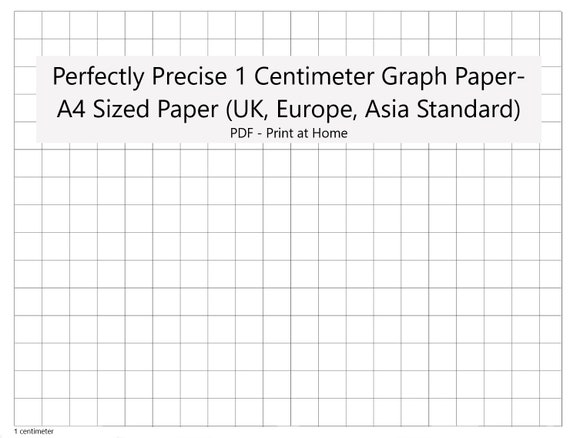
Conclusion: Planning with printable grids reduces errors, speeds learning, and reinforces good CAD habits. Choose grid size, paper size, and orientation that fit your project, then verify measurements before drafting. Test prints and adjust margins and scale as needed. By using grid paper thoughtfully, you build cleaner, more reliable designs.