
As a practical math teacher, I rely on clear, printable grids to show how coordinates work in class. When students see tidy axes and evenly spaced units, mistakes fade and discussion stays focused on ideas. That clarity saves class time and makes it easier to introduce ideas like slope, intercept, and distance.
In daily warmups, I often hand out coordinate system graph paper printed to a precise scale. The difference between a page that looks crisp and one that looks blurred or misaligned is usually about printing settings, not math. Getting the size right helps students plot points accurately and compare coordinates quickly. Small changes in margins or scale become teaching moments.
Printing basics
Q: How should I decide on a grid size for coordinate grids? A: For most classroom tasks, start with 1/4 inch squares on a standard letter page. A: If students need more precision, 1/8 inch squares can help but reduce printable area. A: The right choice balances readability, margin space, and the goals of the activity.
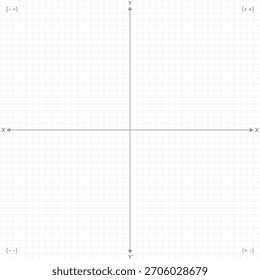
Q: How do margins affect accuracy when printing graph paper? A: Margins reduce printable area and can cause the grid to appear cropped if they are too small for the printer. A: Most home and school printers require at least 0.25 to 0.5 inches of margin on all sides. A: If you need edge-to-edge results, use borderless printing where supported and verify by printing a test page.
Paper size and orientation
Q: Which paper size and orientation work best for classroom graphs? A: Letter size (8.5 x 11 inches) in portrait is the default for standard problems. A: If you are plotting wide coordinate grids or teaching functions with multiple graphs, landscape can reduce the need to scroll. A: Always adjust margins to leave space for notes and axis labels.
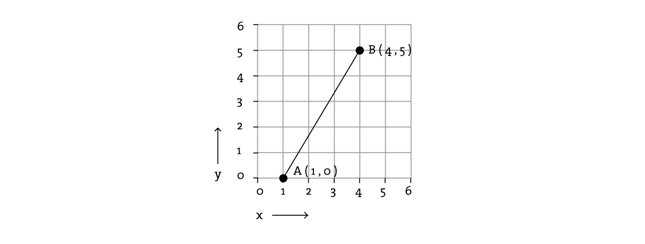
Q: How can I ensure the scale stays true when printing? A: Print at 100% scale without 'fit to page' or 'shrink to fit' options. A: Use a calibration page or a simple grid with a known measurement to check accuracy. A: If the measured distance on paper differs from the intended spacing, recheck printer settings and reprint.
Print settings and verification
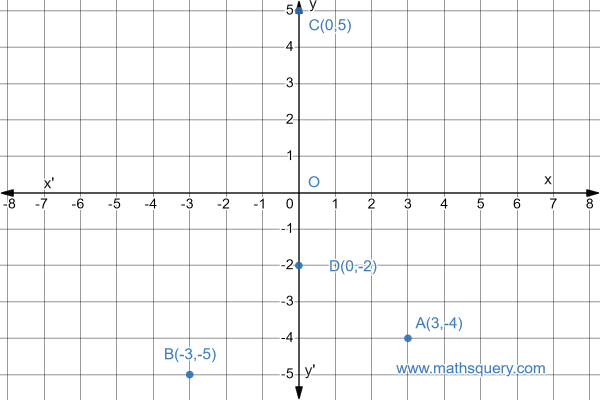
Q: What browser or printer settings should I adjust before printing grid paper? A: Open the print preview and choose a scalable option that preserves 1:1 scale; select the correct paper size and disable automatic margins. A: Avoid 'fit to page' and ensure no extra gaps on the edges. A: After printing, compare a measured ruler against the grid to confirm accuracy.
Conclusion: The small choices—grid spacing, margins, paper size, orientation, and print scale—add up to reliable graphs students can trust. By keeping a consistent workflow and testing a calibration page, you can minimize confusion and save time over the semester. Remember that printing settings influence the work students do on coordinate grids, so the math stays the focus. With careful setup, printable grids remain a practical, hands-on teaching aid.