
As a CAD instructor, I see students struggle with precision when translating ideas from sketch to model. Using centimeter graph paper helps map real-world dimensions to grid lines and makes early planning easier, reducing guesswork before you start digital drafting.
First, compare the basics: grid paper provides a precise grid with equal units, while plain paper relies on freehand marks that can distort proportion. The predictable grid helps you plan layouts, scales, and margins before drawing, making it easier to translate measurements into CAD coordinates and set up construction lines with confidence.
Grid size and paper choice
Grid spacing is the main tradeoff. A 1 cm square gives a comfortable balance for general sketches and room for notes, while 0.5 cm squares offer finer control for small parts. If you design larger layouts, you may prefer 2 cm grids, though that reduces precision for small features. Consider printing preferences and the sheet you use when choosing spacing.
Drafting framework: start with a rough outline on the grid, mark the main axes, and define the scale you will use in CAD. Next, transfer key dimensions as whole-number multiples of the grid spacing. Finally, draw construction lines and notes along the margins, so you can reference them while modeling.
A step-by-step workflow
Practical example: plan a small furniture layout on centimeter graph paper. Start by outlining the room boundary with simple rectangles, place doors and windows on the grid, and note clearances in margins. Then sketch a furniture arrangement using one- or two-square offsets for gaps. This hands-on practice builds familiarity with coordinate grids.
Printing tips: choose a standard sheet size, set orientation to portrait or landscape as needed, and calibrate the print scale before committing to paper. Printable grids can be used for quick planning and alignment. Keep margins clear for notes and dimension marks. If your printer or browser drifts slightly, reprint a test page at 100% and measure with a ruler.
Printing orientation guide
Coordinate accuracy: after printing, compare grid lines to a ruler on paper to ensure alignment with actual centimetres. Use a magnifying glass for tiny lines if needed. If you find drift, adjust printer settings or choose a different paper size to maintain consistency in your CAD workflow.
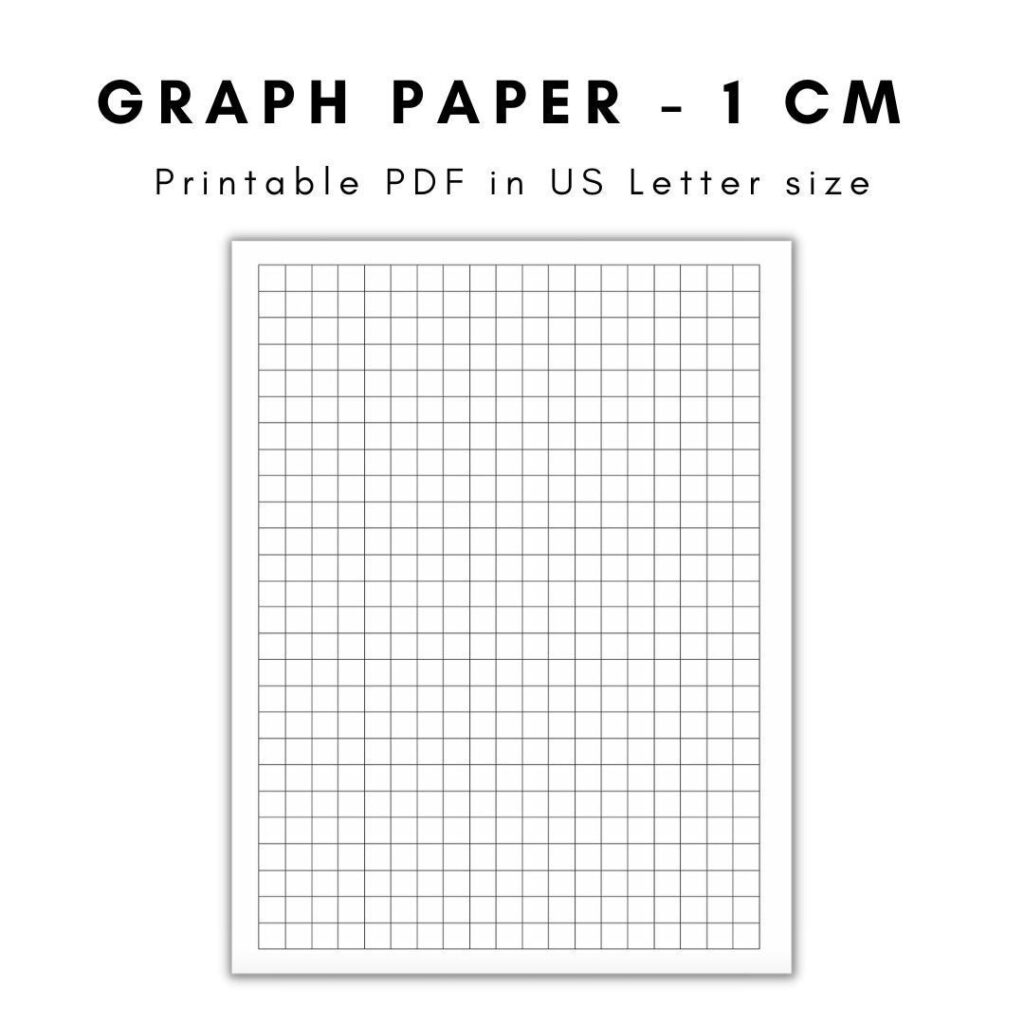
In planning CAD layouts, centimeter graph paper provides a reliable bridge from sketch to model. FAQ: How to choose grid spacing — start with 1 cm squares for general layouts and adjust for detail; How to print to scale — use 100% scale in settings and verify with a ruler; Do margins matter — keep at least 1 cm margins for notes. In practice, this discipline yields steadier measurements and faster drafts when you move from paper to digital tools.