
In architecture, clarity begins on the page. I mentor students by showing how grid work shapes decisions from scale to margins. We start with a simple tool that forces careful thinking: plotted graph paper, because precision grows from a disciplined framework.
Grid paper behaves like a playground for scale and proportion. It helps you translate three-dimensional ideas into two-dimensional plans without guesswork. As you sketch, you learn where lines should breathe and where measurements must align. I favor starting with a simple grid to avoid reworking later.
Choosing your grid
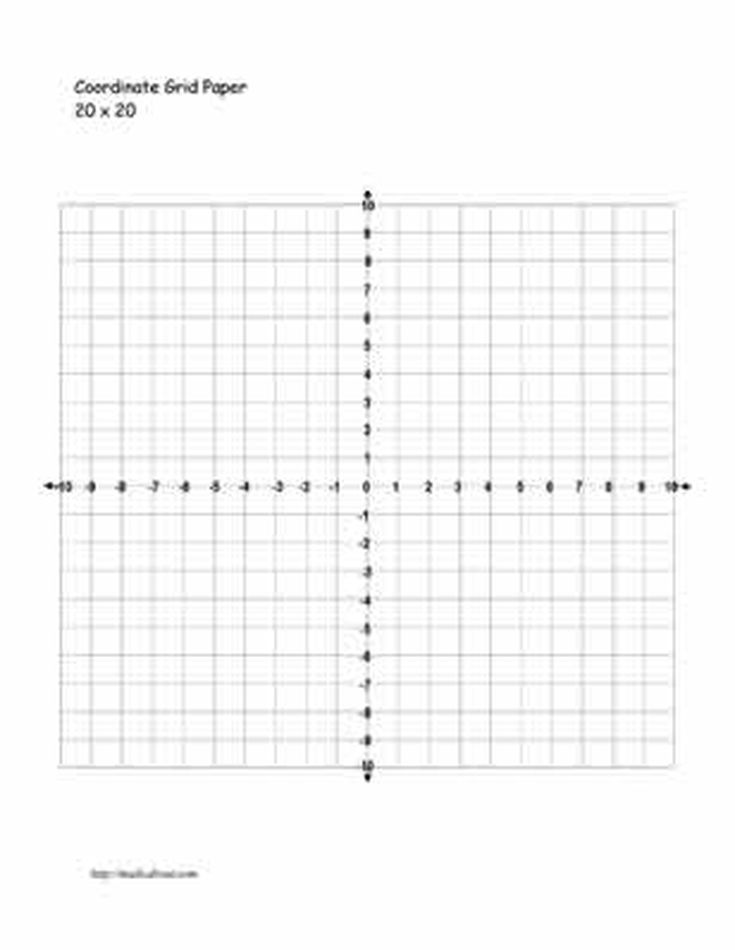
When choosing a grid, consider square grids versus fractional or isometric layouts. Square grids with equal spacing (for example 1/4 or 1/8 inch per square) keep lines consistent and scaling predictable. A coordinate grid helps with alignment across elevations and sections. Decide on a starting margin and keep margins consistent as you draft.
Mistakes and fixes
A common mistake is ignoring margins and scale early. When you start without a margin, your sheet becomes cramped and measurements slip. Fix by marking a uniform border and deciding on a scale before drawing. Always note the paper size you are using and keep all elements inside the defined safe area.
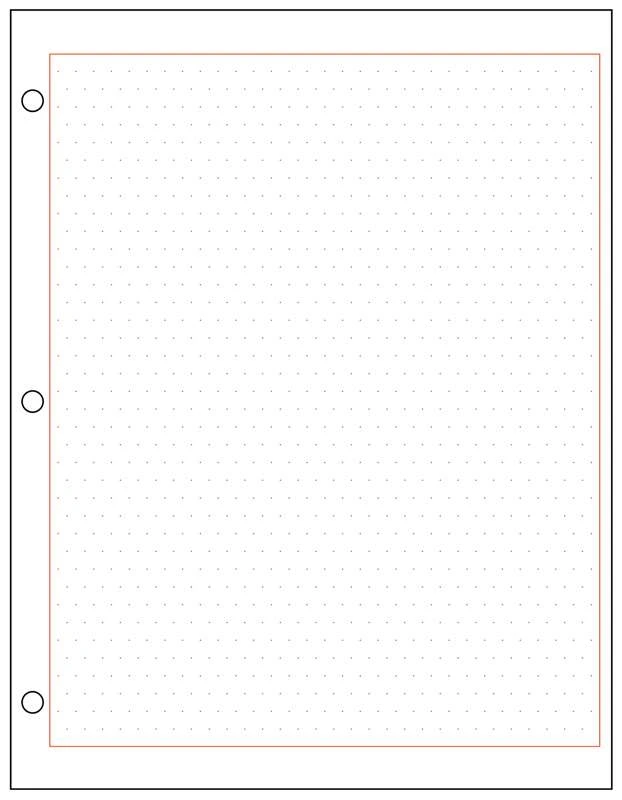
Another pitfall is inconsistent grid spacing or faint lines that disappear during copying. Use a single grid spacing throughout, and draw major references lightly so they remain visible. Verify alignment by tracing a few critical lines across the page, then compare with a ruler to ensure you didn't drift as you expanded the drawing.
Printing and setup
Printing details matter. If your grid paper is 8.5 by 11 inches, print at 100% scale with no fit-to-page options, and select landscape or portrait to suit your design. Use print previews to confirm that every square remains square and that margins remain visible. A quick check with a ruler can catch hidden drift before you start drafting plans.
If you are drafting digitally, set your browser or editor to a stable page size and high DPI. Avoid auto-zoom or scaling in the margin area, because it can distort grid spacing. When you switch between screen and print, recheck margin guides and grid spacing to maintain accuracy across media.
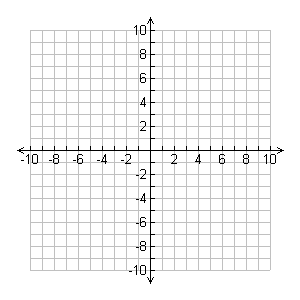
To make grid-based drafting reliable, build a habit of defining grid size, paper size, and margins at the outset, then test with a simple square and ruler. Practice with a few quick studies, label scales clearly, and review measurements with a real ruler. For fast reference, keep a checklist of paper size, grid spacing, and printing settings as you begin each project.
FAQWhat is the best grid spacing for architectural sketches? A: Start with 1/4 inch squares for general layouts; switch to 1/8 inch for detailed sections.Should I use portrait or landscape? A: Landscape often suits plans, portrait can help elevations; align to your workflow.Can I reuse a grid paper template? A: Yes, if you keep margins consistent and apply the same scale across sheets.How do I verify accuracy after printing? A: Compare several known distances with a ruler and verify squared corners.