
As a technical drawing instructor, I’ve watched generations of designers move from rough sketches on graph paper to precise plans on screen. The discipline of grids teaches spacing, balance, and proportional thinking, long before CAD makes it feel easy. Tactile practice builds confidence in measurement and intent that carries into every subsequent drafting stage.
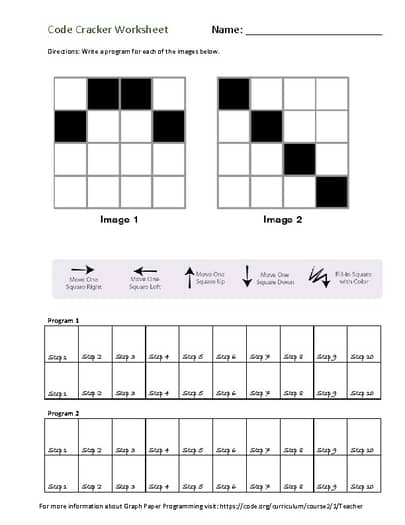
On the bench and in the classroom, ideas start on paper before lines become scripts or CAD commands. The concept of graph paper coding helps students connect manual sketching to algorithmic thinking, where grid spacing, scale, and margins become constraints that drive clean, repeatable layouts for architectural corners, product facades, and interior details. When students reproduce a measured element on grid paper, the same approach translates to measured commands in CAD, ensuring consistency across drawings and reducing the need for rework.
Myth vs Reality
Myth: graph paper is slow and childish. Reality: it is a fast capture tool that keeps proportions accurate before you touch a screen. When you sketch a furniture plan or a small mechanical part, the visible grid lines guide what to scale and where to place critical features, helping you avoid misaligned corners later. It also allows for quick iteration with a pencil, eraser, and ruler, which reduces the risk of committing to a flawed concept early.
Another myth is that any grid will do. Reality: grid spacing, paper size, and orientation alter what you can draw and how much detail fits on the page. For quick ideation, a larger square grid speeds layout. For fine work, a tighter grid (like 1/8 inch) makes delicate relationships clearer and reduces the guesswork.
Planning and sketching
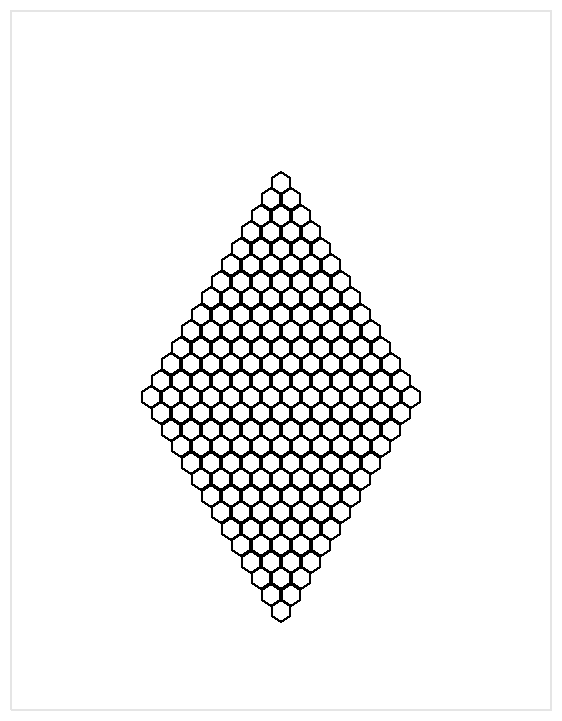
Start by choosing a grid paper type that fits your project. In portrait orientation, you’ll have more room for vertical features; landscape suits wide layouts. Pick a scale such as 1:20 for general plans or 1:5 for detail sheets, then mark margins and a clear title area. Sketch major elements first, then refine, using the grid to keep lines straight.
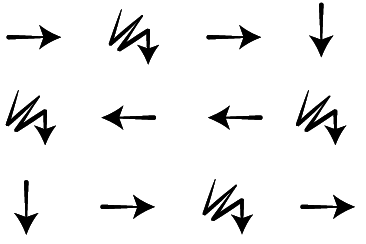
Practical workflow
FAQ: How do I choose grid size? Match grid spacing to your scale and paper size. Should I print orientation be portrait or landscape? Decide from your final drawing layout and margins. Is printable grid better than graph paper? Printable grids are convenient if you need multiple sizes. What about accuracy checks? Always verify measurements with a ruler before drafting.
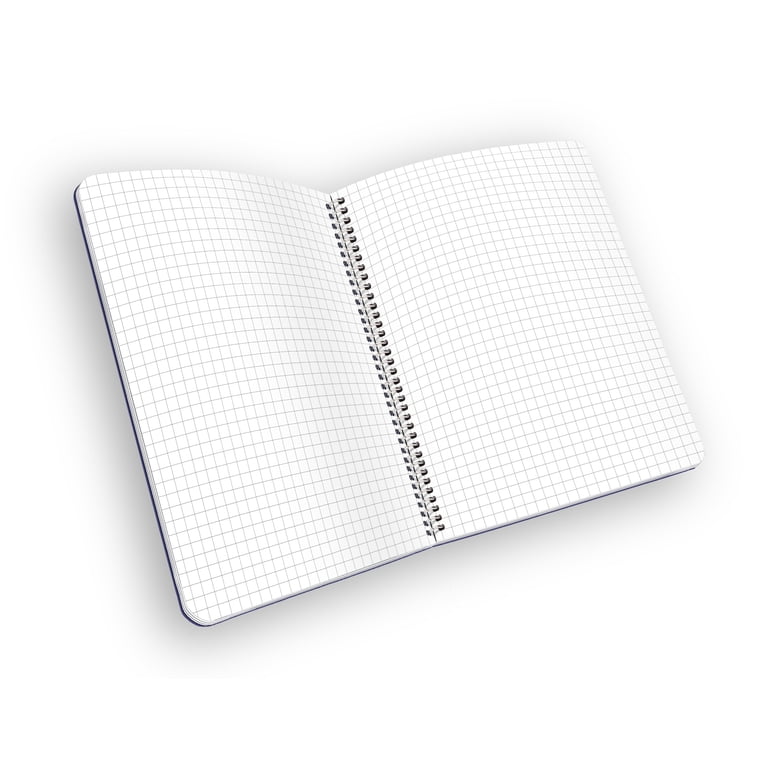
Conclusion: In practice, the most reliable results come from pairing tactile grid work with digital tools. Start with the grid you prefer, test measurements on scrap paper, and keep margins consistent across sketches. By treating the grid as a design constraint rather than decoration, you can sketch faster, communicate clearly with clients, and translate your ideas to code or CAD with greater confidence.