
As a CAD instructor, I rely on drafting aids that reinforce precision and planning. Graph paper helps students visualize scale, alignment, and geometry in real space. The right grid paper makes complex ideas readable and gives practice with coordinates a tangible, low-risk start.
Before diving into software, I encourage learners to sketch ideas by hand. Using print free graph paper lets you test layouts quickly, compare scales, and identify spacing issues without opening a CAD program. This hands-on prep reduces missteps later in design modules and speeds up iteration cycles. It also helps you communicate ideas to teammates before you touch software.
Grid spacing and scale
Grid paper comes in square grids with varying spacing. A common choice is 0.25 inches per square, which lines up with roughly 1:50 scale in simple drawings, or 0.5 centimeters per square for metric plans. Coordinate grids help illustrate exact points, while square grids simplify measuring distances. For technical drafts, a denser grid keeps fine details legible, while a looser grid supports quick sketches. Start with a light test drawing to verify readability at your intended scale.
Plan your draft before committing to lines. Step 1 identify the project boundary and main features. Step 2 rough out the layout on the grid to check fit. Step 3 choose a scale and margins, then compare with your plan on paper. Step 4 mark critical coordinates on the grid so you can double-check in CAD.
Paper size and orientation
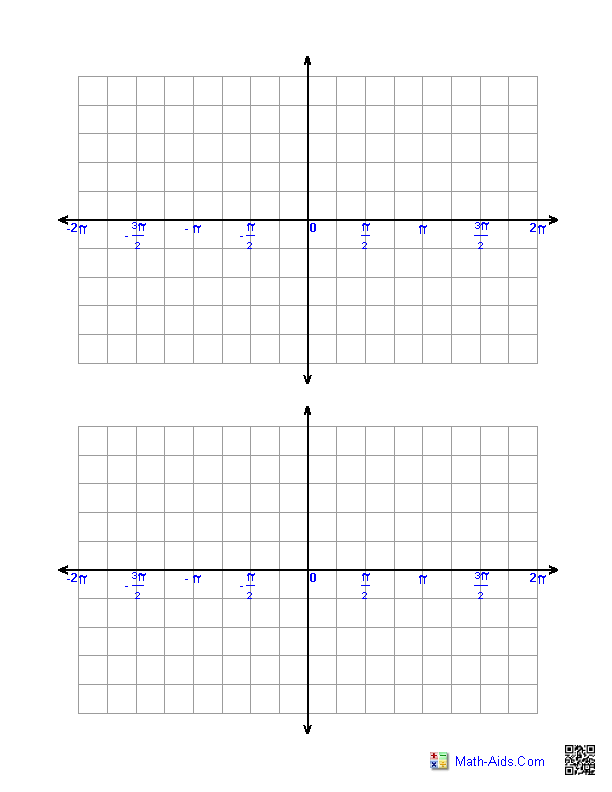
Think about the actual paper size you will print on and how margins will affect your design. US Letter and A4 are common, but for larger CAD sketches you may prefer Tabloid or custom sizes. Orientation matters: portrait fits vertical layouts, landscape suits wide plans, and margins should be kept clear for hole punches, binding, or binding hardware. If you plan to scan or share, keep a consistent orientation and leave at least a quarter inch (6 mm) margin around the edges to avoid clipping. Check that grid lines align with the printer's printable area.
Set the print scale so a single grid block corresponds to a known measurement on your plan. In most browsers, use actual size or 100% scaling, and avoid fit-to-page unless necessary. Enable borderless printing only if your printer handles it cleanly, and beware slight edge shifts from paper feeds. Do a test print on inexpensive stock, then measure a couple of grid blocks with a ruler to confirm alignment before printing the final sheet.
Paper type comparison
Plain paper has no grid, so you rely on your own measurements and alignment, which can invite small errors. Lined paper can help with notes, but the lines interfere with precise coordinate work and make it harder to judge distances, especially on smaller scales. Printable grids on plain stock offer a compromise, yet they still depend on your printer accuracy and alignment. For CAD planning, graph or grid paper remains the most reliable reference and helps students transfer ideas to digital models.
FAQ
Q: Can I use graph paper for CAD precision? A: It supports planning and layout, but not exact measurements; always verify with CAD tools. Q: How does grid spacing affect accuracy? A: Grid spacing should align with your drawing scale so distances read correctly on paper. Q: Should I print at actual size? A: Yes, printing at actual size preserves measured relationships; verify with a ruler.
Q: How do I check accuracy after printing? A: Print a test sheet and measure known distances against the CAD coordinates to confirm. Q: Is printable grid paper free to use? A: Free options exist online, but ensure the grid size matches your project scale; if accuracy matters, rely on a trusted grid paper.
Printed grid sheets serve as a practical bridge between hand sketching and digital modeling. By selecting the right grid spacing, paper size, and printing scale, you create a reliable reference that supports accurate transfers to CAD. Use step-by-step planning, verify measurements, and compare with plain and lined paper to understand tradeoffs for your workflow.