
As a geometry instructor, I’ve learned that the right paper setup shapes how students see relationships, angles, and measurements. A clean workspace with grid guidance helps ideas click and makes errors easier to discuss, turning confusion into a teachable moment that sticks.
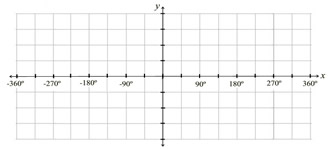
In practice, a free graph paper template is a versatile ally for sketching shapes, testing coordinates, and confirming slopes. It saves time because you can print once and reuse across lessons. When students work by hand, the square guides help keep lines straight and angles consistent. That consistency matters for comparing geometric proofs and constructions, so this resource is worth keeping handy.
Graph paper basics
Graph paper comes in several formats, from coordinate grids to square grids with various grid spacing. A printable grid often uses a standard inch-based scale, but metric grids are also common. The choice affects how you plot points, measure lengths, and translate diagrams to this page. Understanding these options helps you pick a template that matches your lesson goals.
When you compare graph paper with plain white paper or ruled notebook paper, you notice practical tradeoffs. Plain paper makes long, freehand drawings easier to erase, but it lacks guides that keep scales consistent. Lined paper helps with text and captioning, yet it can obscure geometry when plotting points or measuring coordinates. Grid paper keeps measurements honest.
Choosing grid size
Choosing grid size depends on the task. For lines with gentle slopes, 1/4 inch squares provide a balance between detail and readability. For precise coordinate plotting, 1/8 inch or metric 2 mm squares offer finer resolution. Remember to align your chosen grid with your paper size and margins to avoid clipping essential details.
Printing and setup
Checklist for accuracy: confirm grid size and scale, select the right paper size, set orientation, enable 100% print scaling, and preview the page. After printing, measure a known distance to verify accuracy and adjust margins if needed. If more than one template is used, label copies and test at 100% to avoid scale drift.
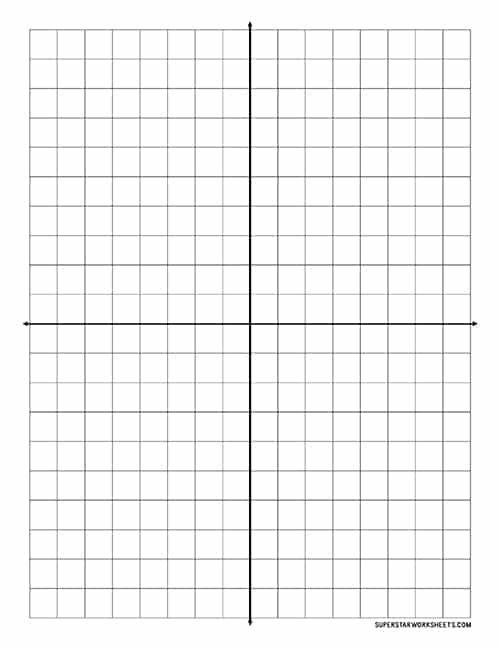
Practical takeaways: use a grid that matches your task, print at 100% scale, and check measurements with a ruler before starting a project. FAQ: Q1: Is this suitable for algebra graphs? A1: Yes. Q2: Can I reuse templates? A2: Yes. Q3: What paper size is best? A3: Letter or A4. Q4: How to adjust margins? A4: Align with printer margins.