
As a physics teacher, I rely on simple tools to turn theory into practice. A reliable partner in every lab is coordinate plane graph paper, helping students map motion, graph forces, and compare ideas with crisp, legible grids. When accuracy matters, these grids make measurements meaningful.
In class, grid lines act like visual rulers, helping plotting data, tracking positions, and aligning graphs with real measurements. Students plot positions from data and sketch vectors, then compare slopes for velocity and acceleration, discussing units and intercepts in plain language. The rhythm of the squares helps them stay consistent with scale, so lab results translate into a readable diagram. It's a small habit that reduces confusion and builds confidence.
Designing with Grid Paper
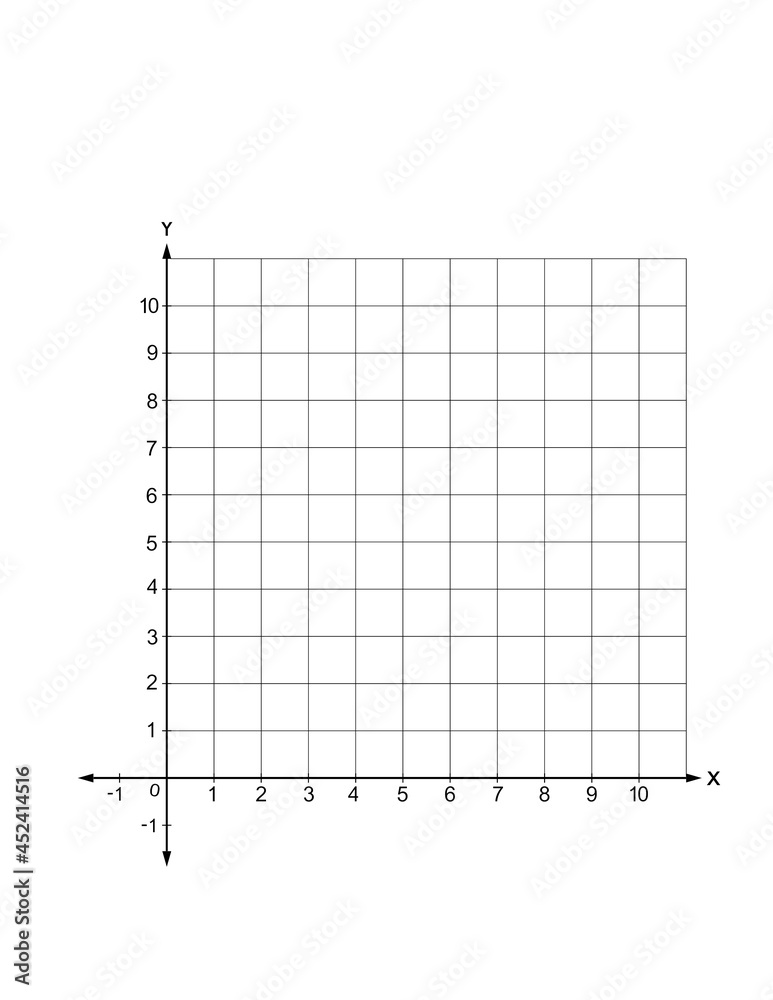
Before sketches begin, I outline what we want the diagram to show: grid spacing, scale, and margins on the page. We discuss square grids versus printable grids and decide on the paper size that fits the classroom workspace, taking into account shelf space and how many students share a table. This upfront planning prevents cramped plots and helps students focus on ideas, not formatting, so discussions stay anchored to physics.
Then we choose a concrete grid size and page orientation based on the lab task, balancing readability with the data load. For quick demonstrations, 1 cm squares on letter size paper keep plots compact; for longer graphs, 2 cm squares on tabloid size help visibility and room for annotations. We also consider orientation to keep axis labels from crowding margins and to leave space for a legend.
Classroom Scenario
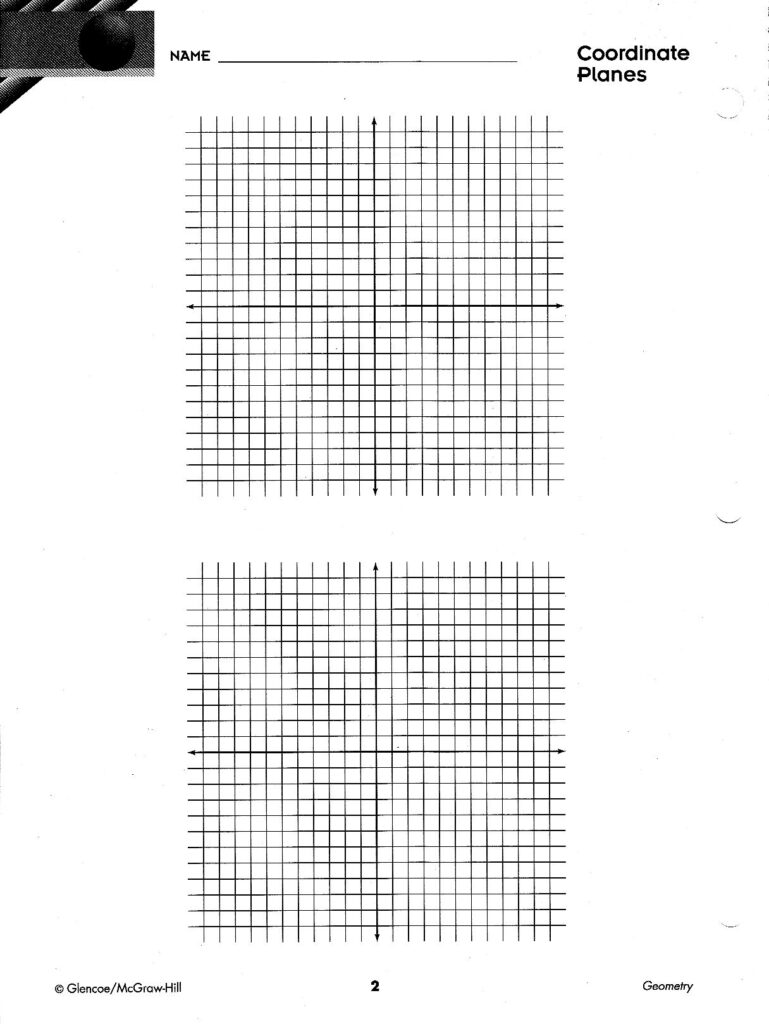
In practice, the class begins with a quick warm-up: a straight-line motion graph on grid paper. I hand out a data table and a printable grid, then students sketch position versus time and draw velocity arrows. They compare slopes and discuss how units and time intervals influence the steepness of the line. The grid keeps steps aligned and makes errors easy to spot, smoothing the transition from data to physical meaning.
Next, we discuss printing and setup in detail. If you print from a browser, verify the scale to avoid shrinking graphs or clipping labels. Use actual size and avoid fit-to-page, then choose portrait or landscape based on orientation. Print a draft on plain paper first, compare distances with a ruler, and adjust the scale if needed. When accuracy matters for measurements, measure twice and reprint a corrected page.
FAQ: How do I choose grid size and spacing for an activity? Should I use printable grids or paper-sized grids? How wide should margins be? A starting point is 1 cm squares on standard letter size. For bigger displays, 2 cm squares on tabloid size help visibility. Q: How should margins and axis labels be set? A: Leave space for numbers and units so axes stay legible. Q: What printer settings prevent distortion? A: Print actual size and test with a ruler; this practice keeps graphs reliable.