
As a technical drawing instructor, I rely on hands-on grids to teach accuracy. When students use custom graph paper pads, lines feel steadier and margins stay clean, easing early layout work. The right pad keeps sketches aligned with the intended scale and helps prevent early drafting errors.
For architecture, product design, and engineering projects, you’ll notice the difference a well-matched grid can make. A consistent grid spacing guides line placement, while the paper size matches the project’s output. In practice, we start with a chosen scale and then lay out key corners before drawing internal features, reducing confusion as the design evolves.
Myth vs Practical Reality
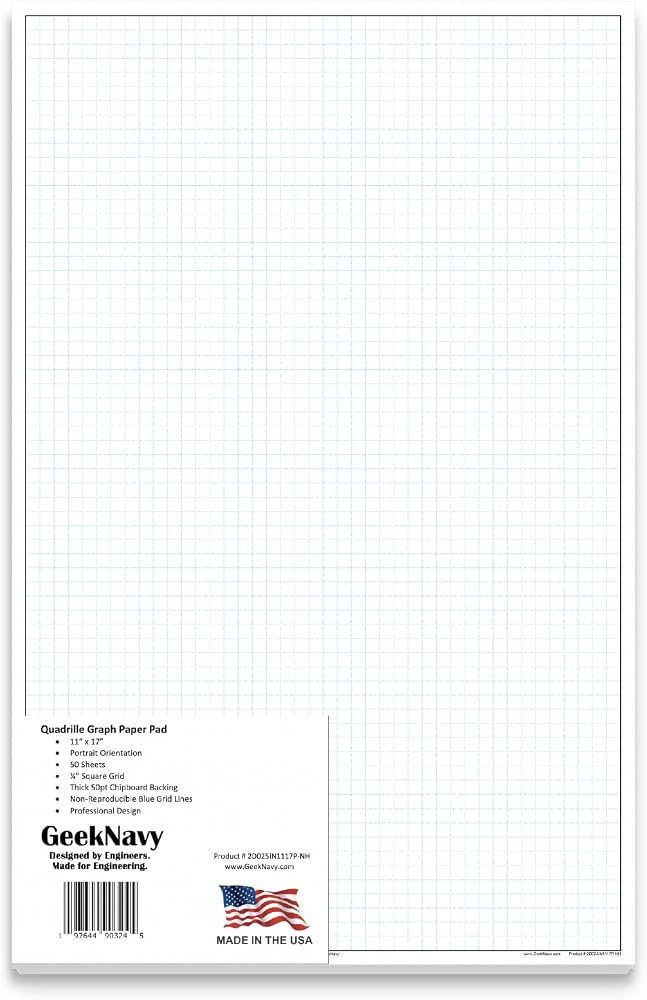
Common myths suggest smaller grid spacings always yield tighter results. Reality is more nuanced: dense grids can clutter your view and slow you down, while too sparse a grid makes measurements feel approximate. The practical rule is to align grid spacing with your project scale, use construction lines lightly, and reserve heavier lines for final decisions.
Grid Size and Paper Basics
Coordinate grids, square grids, and measurement grids each serve different tasks. For quick layouts, a standard 1/4 inch spacing on letter-size stock works well; for larger drawings, 1/2 inch or 1 centimeter spacing in larger paper keeps scales readable. Always consider margins: leave clear space along edges for notes and binding if needed.
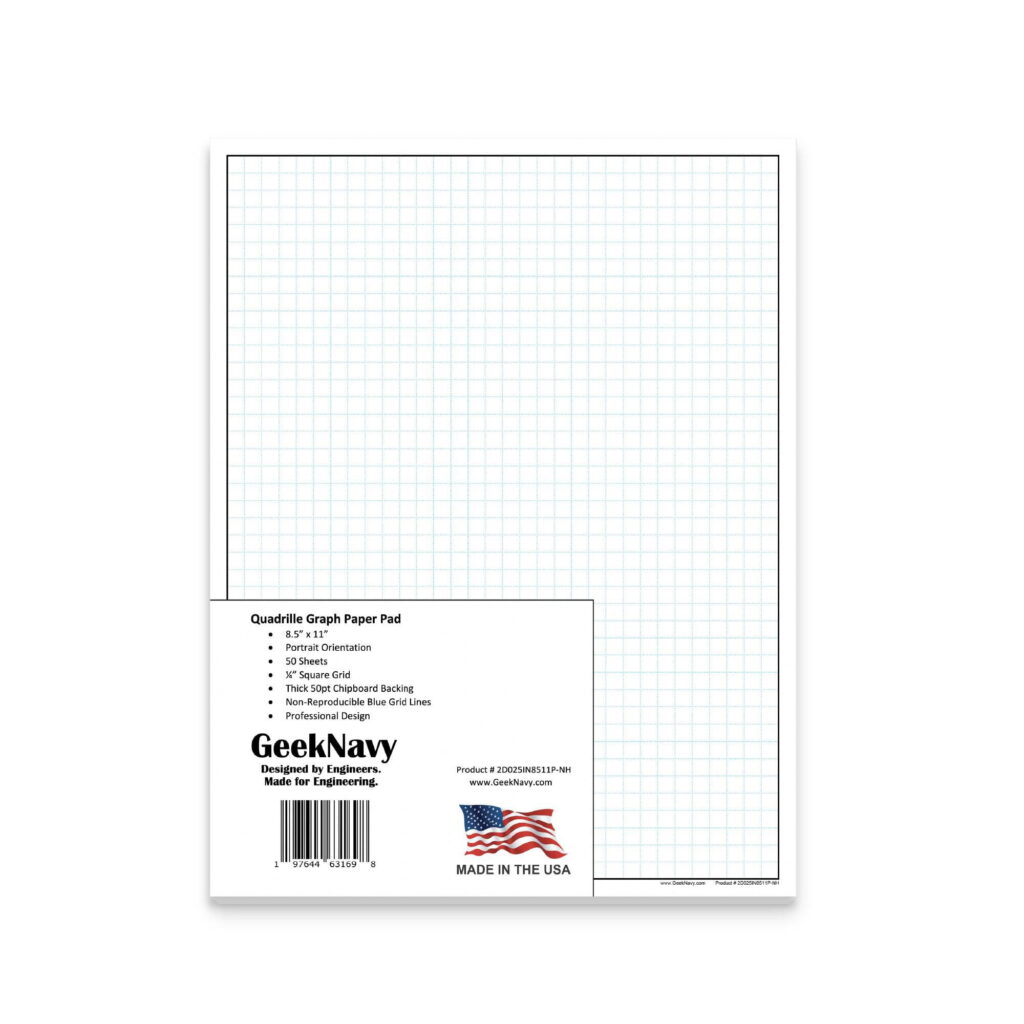
Plan your sketching workflow before touching the pencil. Start with a base rectangle, mark origin and axes, then draft major features with light lines. Use printable grids to test spacing and turn angles, then switch to heavier lines for final shapes. A deliberate sequence saves rework and reinforces a designer’s sense of proportion.
Printing and Verification
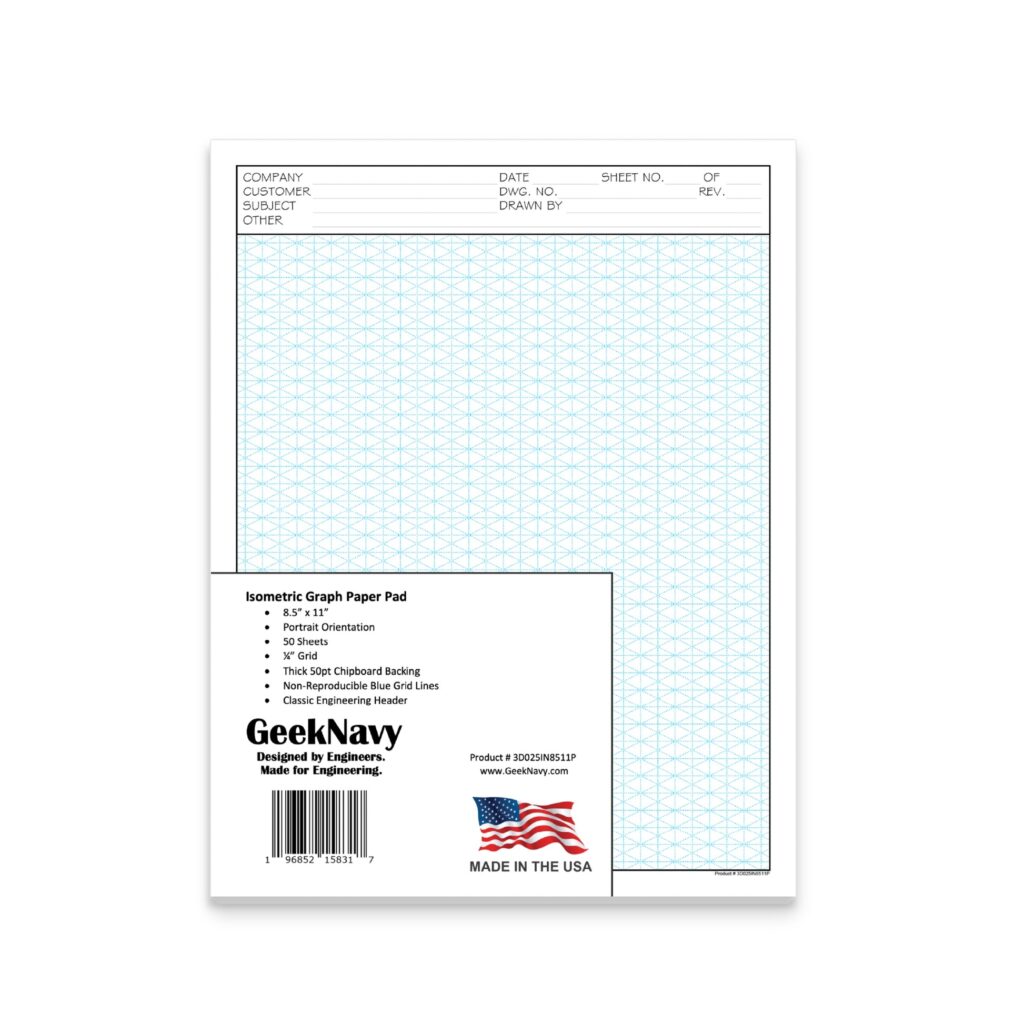
Printing on standard paper requires attention to orientation, page size, and scale. Choose portrait or landscape to fit the layout, set margins to align with the printable grid, and use a tested printer profile. Before committing, print a small test section and measure against a ruler to confirm accuracy.
FAQ: Q1 What grid size is best for small components? A1 Start with 1/4 inch and adjust as needed. Q2 Landscape or portrait? A2 Use the orientation that fits your layout. Q3 How can I verify accuracy after printing? A3 Compare critical distances with a ruler or caliper. Q4 Can I print at a different scale? A4 Yes—use the print scale options to match the drawing.
Concluding, the practical takeaway is to start with a grid that matches your scale, test with a small print, and keep margins clear for notes. When you plan and sketch with the right printable grids, accuracy grows naturally and revisions stay focused. A thoughtful approach to pads makes your drafts legible and transferable to final drawings.