
As a graphic designer, I sketch layouts, test margins, and map proportions on grid paper to lock in accuracy before the final pass. A dependable graph paper download option saves time, keeps ideas legible across screens, and streamlines early creative exploration.
Having a reliable source for printable grids helps you validate scaling against digital comps, and it reduces guesswork when you translate ideas into print. Start with a simple square grid so lines read clearly and spacing remains consistent. This habit lets you compare margins, typography blocks, and alignment without losing what you designed on screen.
Grid fundamentals
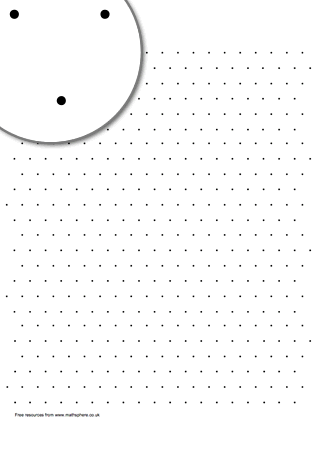
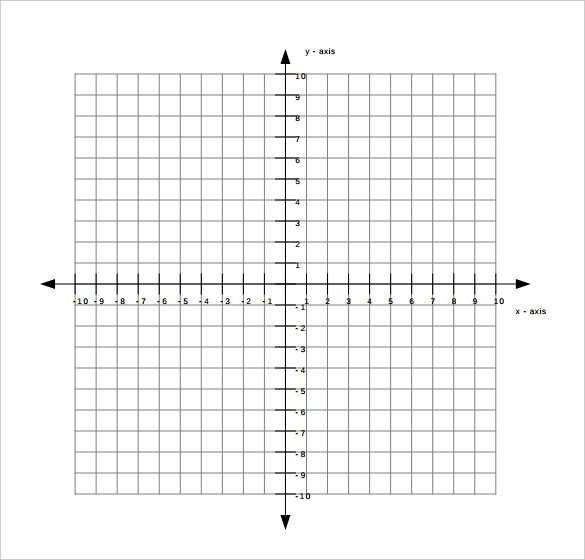
Grid paper comes in several classic formats: square grids, dot grids, and coordinate grids. Square grids give exact measurements, which helps with scale and margin planning. Dot grids are lighter on the eye and can guide hand-drawn sketches without overpowering the page. Coordinate grids work well for diagrams and flow layouts, letting you track axes and offsets with confidence.
Printing details
Printing scale matters as much as the ink you use. When you print, set the scale to 100% and disable any automatic fitting options so the grid keeps its true proportions. Check the margins in your printer dialog; a tight margin can clip lines, while too wide a margin wastes printable space. Choose portrait or landscape based on how your project fits the grid.
Note: Paper size matters for your workflow. In the U.S., Letter is common; elsewhere, A4 is standard. Match the size to your printer's capabilities and to the project's final format. Remember to keep generous margins if you plan to trim later, and verify that the grid aligns with the page edges before you run a full print.
Practical checks
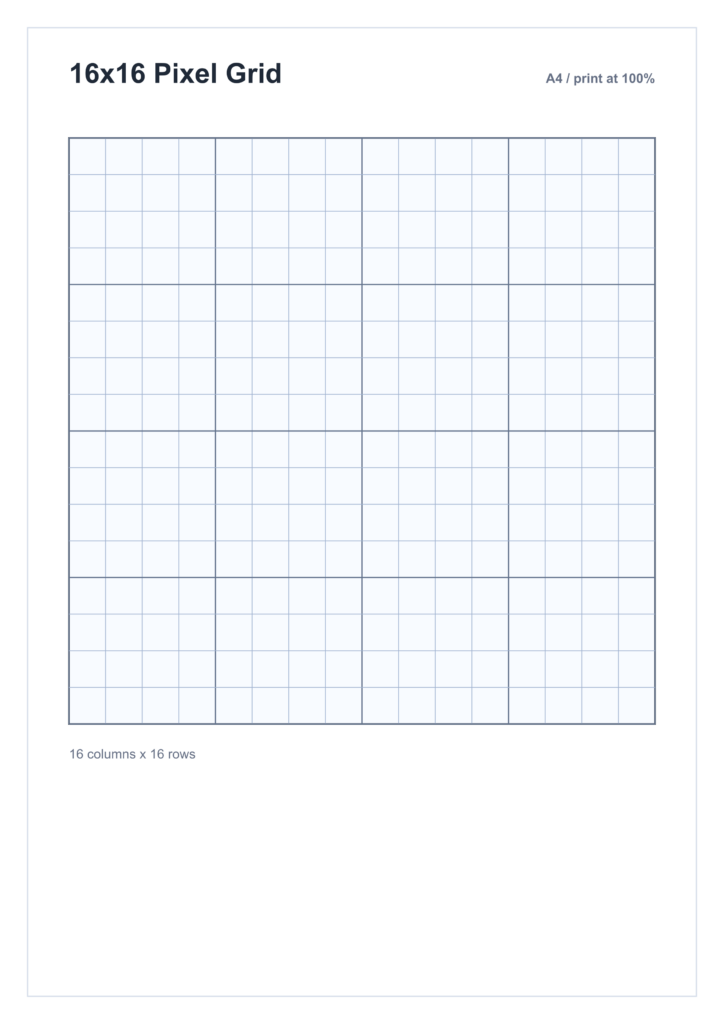
Q1: How do I ensure accuracy when printing? A1: Print at 100% scale and measure a grid square with a ruler.Q2: Which grid size should a beginner use? A2: Start with 1 cm squares for clear proportions.Q3: Letter or A4—which to choose? A3: Use what your printer supports; adjust margins.Q4: Any quick margin tips? A4: Keep margins at least 0.25 inches and avoid edge clashes.
To streamline your workflow, save a small library of grid types and paper sizes you use most. Label files by grid spacing and paper size so you can pull a template in seconds when starting a new project. Keep a ruler handy and run a quick test print on plain paper before the final sheet.
In practice, the right grid and printing setup save time and reduce rework. Use the browser print preview and your printer scale controls to verify one-to-one mapping. With consistent margins, clear scale, and smart choices about grid spacing, your sketches translate cleanly to posters, branding comps, and packaging layouts.