Graphic design thrives on precision. When I sketch concepts, grids translate ideas into measurable work. The moment margins and lines align, decisions feel grounded. graph paper 1cm keeps the edges honest and the layout readable.
Choosing the right grid matters for accuracy and feel. I compare grid spacing, orientation, and paper size before outlining a logo or poster. A 1 cm grid often balances detail with speed, while 0.5 cm or 2 cm grids suit tighter typography or rough sketches. Also consider whether you'll print with margins visible.
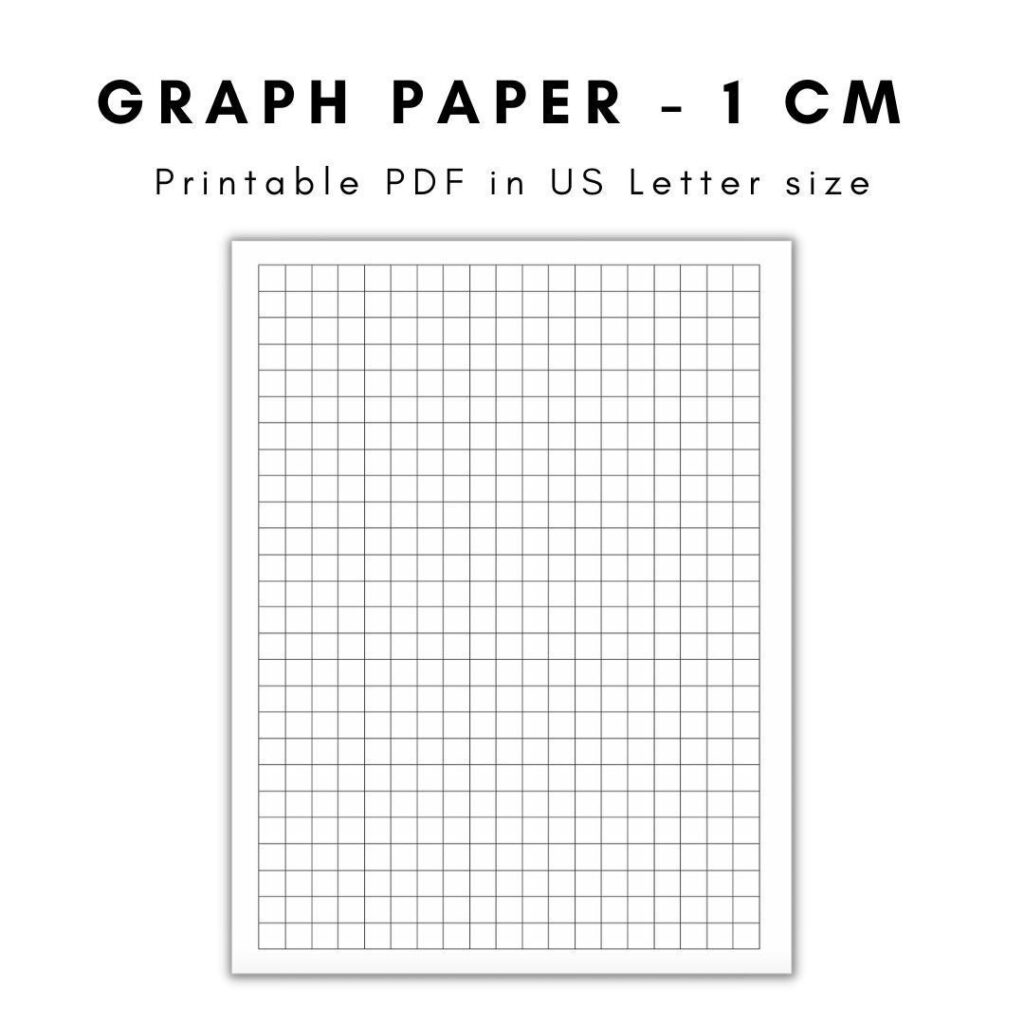
Grid size guide
Scale and margins are the tie breakers when moving from sketch to print. I start with a defined scale on the document: 1:1 for detail, larger scales for layout planning, and ensure margins leave room for bindery tolerances. When you print, choose printer settings that honor actual size rather than fit to page to avoid distortion on the grid.
Orientation and paper size shape how the grid aligns with your project. A portrait sheet often suits tall posters, while landscape supports wide UI comps. Make sure the printable grid matches the chosen paper size and keep consistent margins. If you work with custom papers, test a sample first to prevent misalignment.
Print settings
Check the printed grid against a ruler to verify accuracy. Use 100% scale in browser print or PDF viewer and set no page reflow. If your printer crops margins, adjust the margin guides or print on larger paper and trim. This is essential when you’re aligning icons, grids, and measurement grids within a client brief.
Margins matter for clean edges and consistent layouts. On a grid-based composition, leave even breathing room around the edges, especially near logos and text blocks. If the design will bleed to the edge, plan for bleed and trim, otherwise keep safe margins to preserve alignment when the piece is framed.
FAQ: How do I choose grid spacing? A: Start with the project size and test quickly. FAQ: How can I ensure 100% scale in printing? A: Set print to 100% and disable fit-to-page. FAQ: What margins should I plan for? A: Leave safe margins and account for trimming. FAQ: How do I verify accuracy after printing? A: Check with a ruler against the grid and note any drift, this practice keeps future work reliable.