
As a practical math teacher, I rely on predictable layouts for practice sheets, and I often print with graph paper template for word to save time and stay consistent across assignments, quizzes, and tutoring sessions in class and at home.
Printing grid sheets with accuracy is essential in math class, where even a small misalignment can distort student work. A well-set template helps you avoid drift by locking grid spacing, margins, and printable area from the start. This guide covers grid size choices, margins, paper size, orientation, scale, and practical checks you can perform in Word to keep every page square.
Choosing grid size
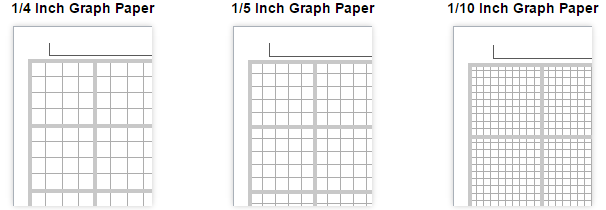
Grid size matters for both accuracy and readability. Common choices include quarter-inch squares for algebra and graphing, and half-inch squares for quick sketches or larger diagrams. Metric classes often use centimeter grids. In Word, you can approximate these sizes by inserting an exact table cell dimension or by printing on pre-marked paper, then testing with a ruler.
Printing setup
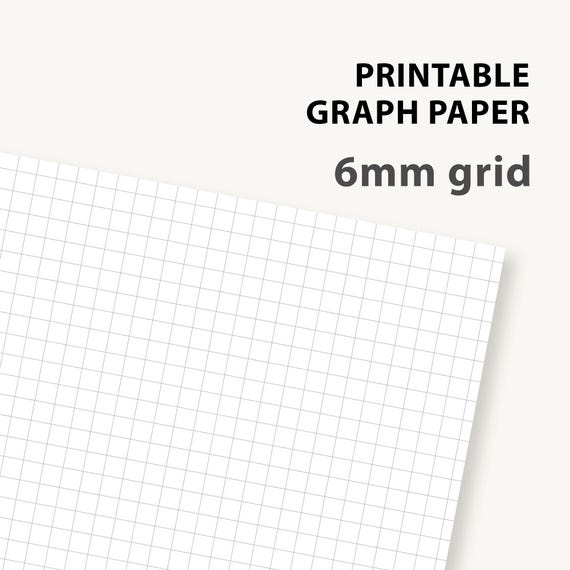
Scale and print settings in Word matter for grid fidelity. Start with Actual Size or 100% scaling and use Print Preview to confirm the grid lines align with the page edges. If you must fit more on a page, consider a smaller grid size rather than squeezing margins; always recheck with a ruler after printing.
Browser printing and printer defaults can distort grids if the page is scaled to fit. Prefer printing from Word or exporting to PDF and using your printer’s regular settings. Disable any 'fit to page' option and verify that the content prints at actual size so the squares stay square.
FAQ
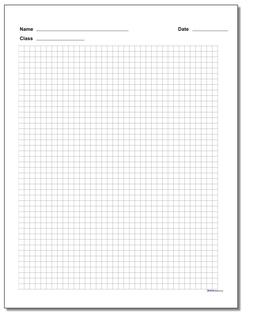
Q: How do I ensure the grid prints true to size, and what should I check first? A: Print a test page at 100% and measure a known square with a ruler. Q: Which paper size should I choose for worksheets? A: Match the paper size to your worksheets and printer, typically Letter or A4. Q: How can I verify accuracy quickly? A: Use a ruler to confirm the distance between grid lines after printing.
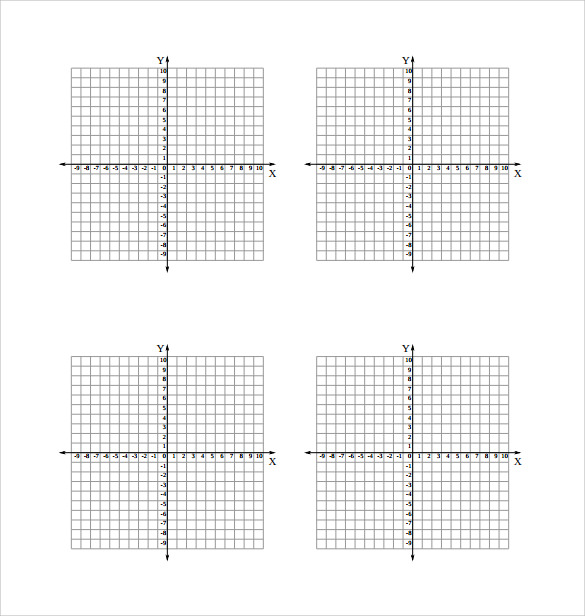
Q: Should I worry about browser printing vs Word printing? A: Yes; printing from the word processor with correct page setup yields more accurate grids than printing from a browser. Q: How do I quickly check after printing? A: Measure several grid cells with a ruler and compare to the scale; reprint if necessary.