
As a CAD instructor, I rely on paper as a bridge between imagination and measurement. A clean grid keeps lines straight and angles true, and it helps students visualize spacing before drafting on screen. For quick ideation in the shop, staples graph paper often fits the bill.
In practice, the grid acts as a coordinate system you can hold in your hand. It makes it easier to translate a 3D concept into a 2D drawing, and it supports quick checks of proportions. The right grid size reduces guesswork and helps students compare measured distances to CAD dimensions.
Grid paper basics
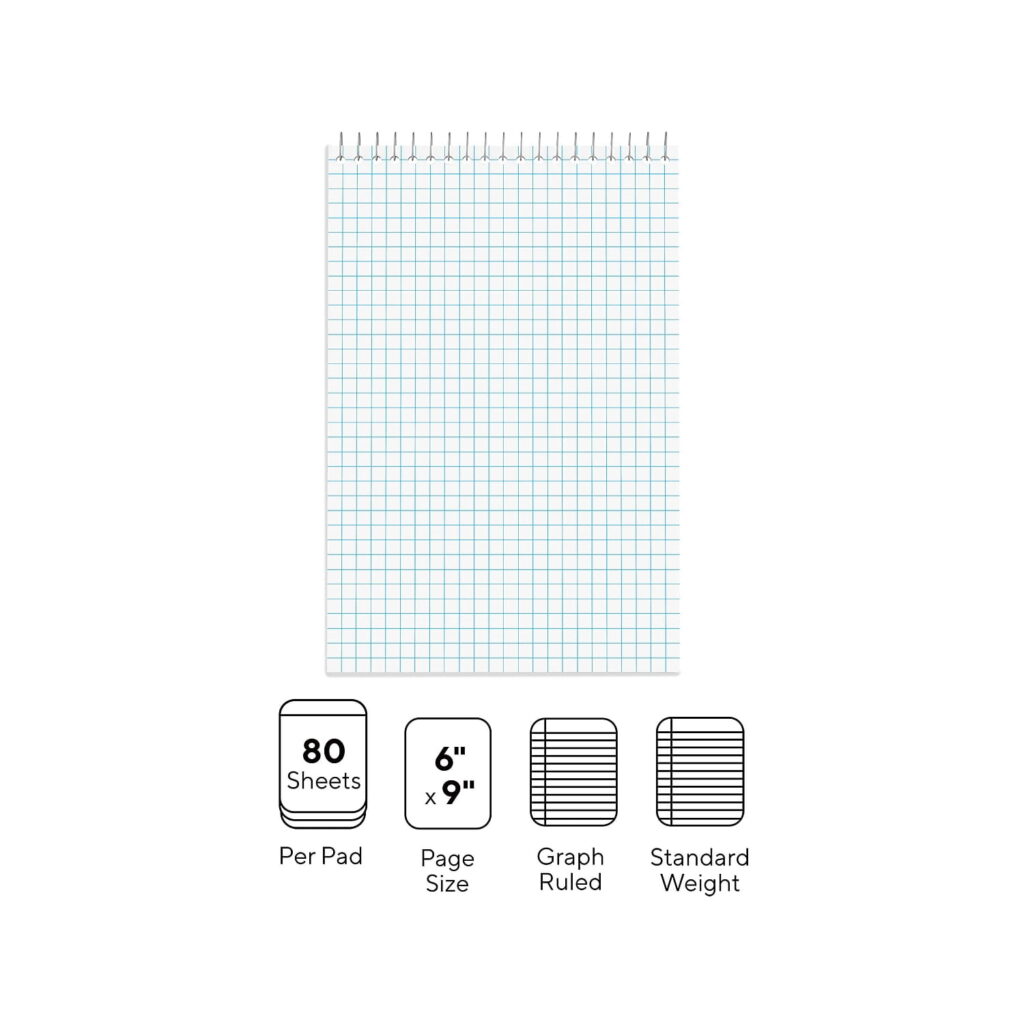
Grid paper comes in several common options. Square grids can be 1/8 inch, 1/4 inch, or metric 2 mm and 5 mm, which affects how you sketch features and check dimensions. Coordinate grids help you count increments and locate points quickly. Printable grids let you reproduce a plan at multiple scales; plain paper and lined paper lack fixed coordinates, making precise checks harder.
Consider paper size and orientation to match your drafting routine. A4 or Letter is common, but for larger ideas an A3 sheet in landscape makes it easier to show clear margins and avoid crowding. Choose grid spacing that matches your usual CAD scale, and think about margins so you can staple sheets without losing alignment.
Plain, graph, and lined paper
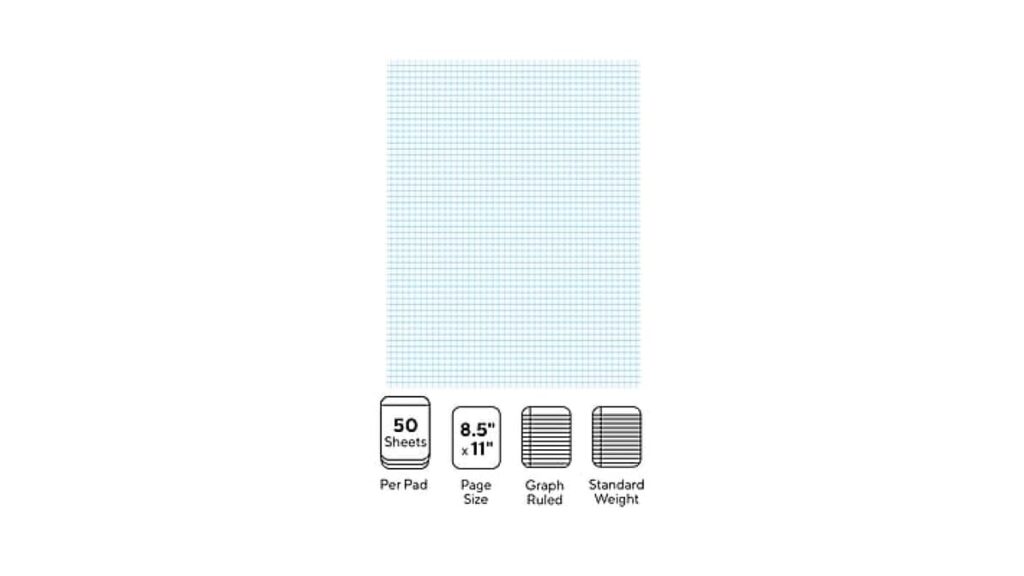
Step 1: Define the task clearly, whether it is a small part layout or a floor plan. Step 2: Pick a grid that matches the required precision, such as 5 mm squares for general CAD planning or 1/4 inch for quick ideation. This framing helps you stay consistent across sheets.
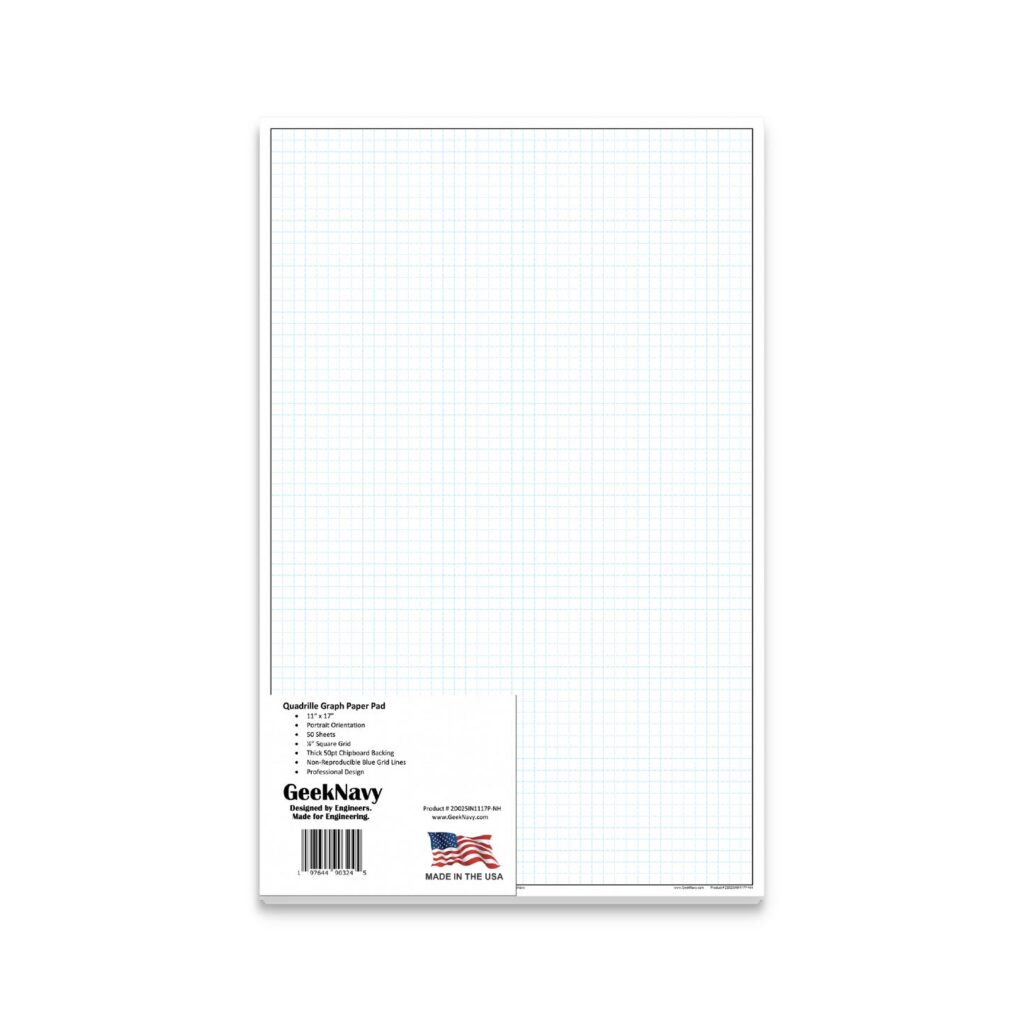
Step 3: Transfer key measurements by plotting origin points and reference lines on the grid. Step 4: Draft inside margins, then use the grid to verify spacing and angles before you lock in the drawing on your CAD file. When printing, set Actual Size and test with a ruler to confirm accuracy.
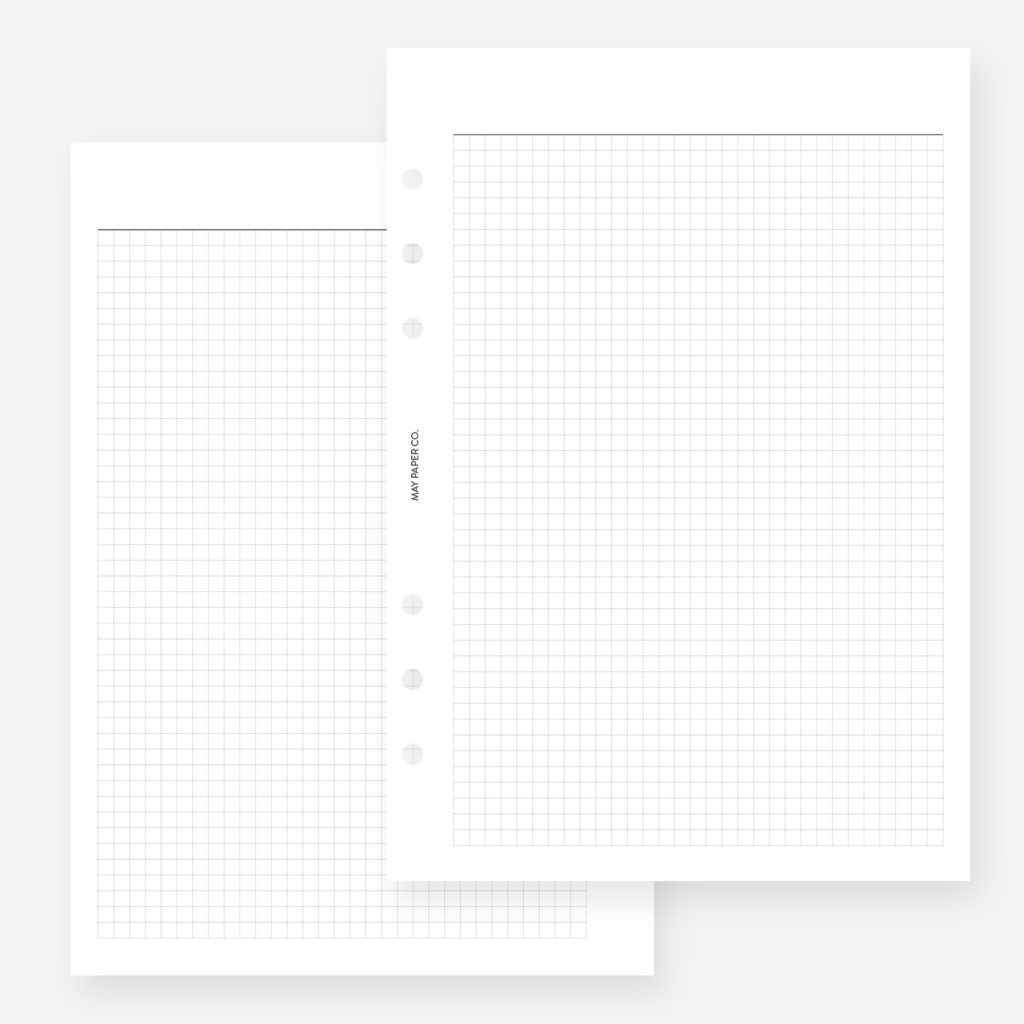
Q1: What grid spacing works best for CAD sketches on paper? A1: 5 mm or 1/4 inch provides balance. Q2: How do I print to scale? A2: Set print to actual size and verify with a ruler. Q3: Is plain or lined paper good for planning? A3: They work for rough ideas, not precise layouts. Q4: What is the practical takeaway? A4: Use the grid to frame drawings, set scale, and verify digitally; takeaway: test printed scales against CAD measurements.