
As a technical drawing instructor, I start every course by showing how a simple grid can become a reliable frame for accuracy. A well-chosen graph paper system is more than decoration; it guides the hand and keeps lines steady, scales truthful, and layouts legible.
One common myth is that any grid will suffice for serious drafting. In reality, the spacing, margins, and paper size matter for accuracy and repeatability. If you need to share a worksheet or a model with a colleague, consider downloadable graph paper that mirrors standard grid spacing and margins and allows consistent scaling across devices. That alignment matters when you rely on the grid for accuracy.
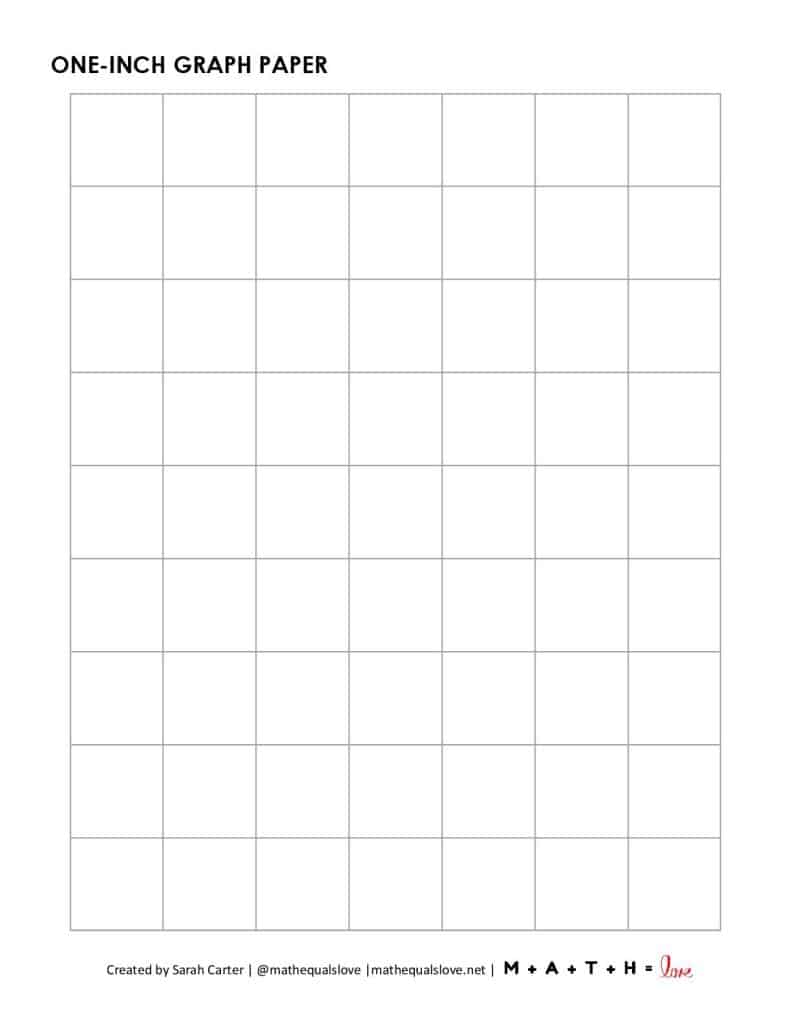
Another practical reality is orientation and paper size. Letter or A4 grids look different when you rotate the page for drafting or scanning, so plan accordingly. In class we often test both orientations on sheet to see how well the grid supports multiple views at once. Decide whether you’ll sketch landscape for wider layouts or portrait for taller ones, and choose a grid paper that accommodates your preferred scale. Small margins matter for binding, punching, and accuracy at the edges.
Grid size decisions
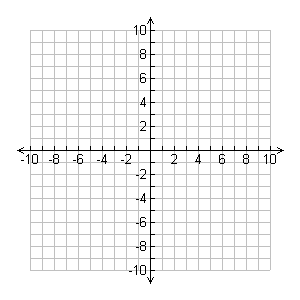
Choosing grid size affects accuracy and feel. A 1/8 inch grid is common for mechanical drafting, but a 1/4 inch grid works well for quick planning and layout concepts. Coordinate grids help you align features and maintain consistent spacing across multiple views. For architectural sketches, smaller grids can guide window proportions; for industrial parts, larger squares assist in proportioning. Always align grid spacing with your intended scale and the paper size you plan to use.
Printing and scale
Printing and scale are where theory meets practice. Set your print to 100% so the grid spacing remains true; avoid fit-to-page unless you know how it will alter results. Check margins in the print dialog, and test a page on plain paper with a ruler to confirm that lines remain evenly spaced and parallel. If your project includes multiple sheets, print a small test strip to verify alignment between pages carefully.
Margins and guide placement
Margins and guide placement affect readability and future reuse. Leave generous margins around the grid so titles, dimensions, and notes don’t crowd the main lines. Consistent margins also simplify scanning or copying the page for review. When you work with multiple views, use a light border on the edges to differentiate the grid from the drawing area. This practice helps students see the scale and alignment at a glance. Always test with a ruler before committing.
FAQ: Q1 What grid size should I start with? A1 Begin with 1/8 inch for detail. Q2 How do I keep accuracy when printing? A2 Print at 100% and verify with a ruler. Q3 Which paper size is best for plans? A3 Use common sizes like Letter or A4. Q4 Do margins affect alignment? A4 Margins help keep notes neat.
Bottom line: a careful approach to grid paper improves clarity, not merely decoration. Start by choosing a grid size and paper size that match your usual workflow, then test prints for accuracy and alignment. Be mindful of orientation, margins, and scale, and use margins and notes as guides rather than clutter. With practice, printable grids become a reliable partner in the design process.