
As a graphic designer, I rely on precision as much as expression. A well-used grid can steady hand lettering, align margins, and calibrate scale. This article introduces practical steps to work with grid paper, including the concept of art with graph paper, emphasizing printing accuracy and predictable results.
Grid paper essentials
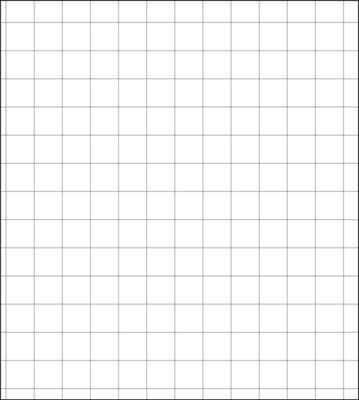
Grid paper acts as a built-in ruler for ideas. It helps you measure spacing, align typography with precision, and maintain consistent margins across a project. By using square grids, you can test composition quickly before committing to ink or print. A clear coordinate grid also makes it easier to scale artwork to different paper sizes.
Choosing your grid
Start with a common grid spacing, such as 1/4 inch or 1/8 inch squares, depending on the level of detail you need. Larger grids reduce clutter, while smaller grids capture fine alignment. Define margins early to keep text and imagery away from edges during printing, then snugly fit your main elements within the chosen printable grid.
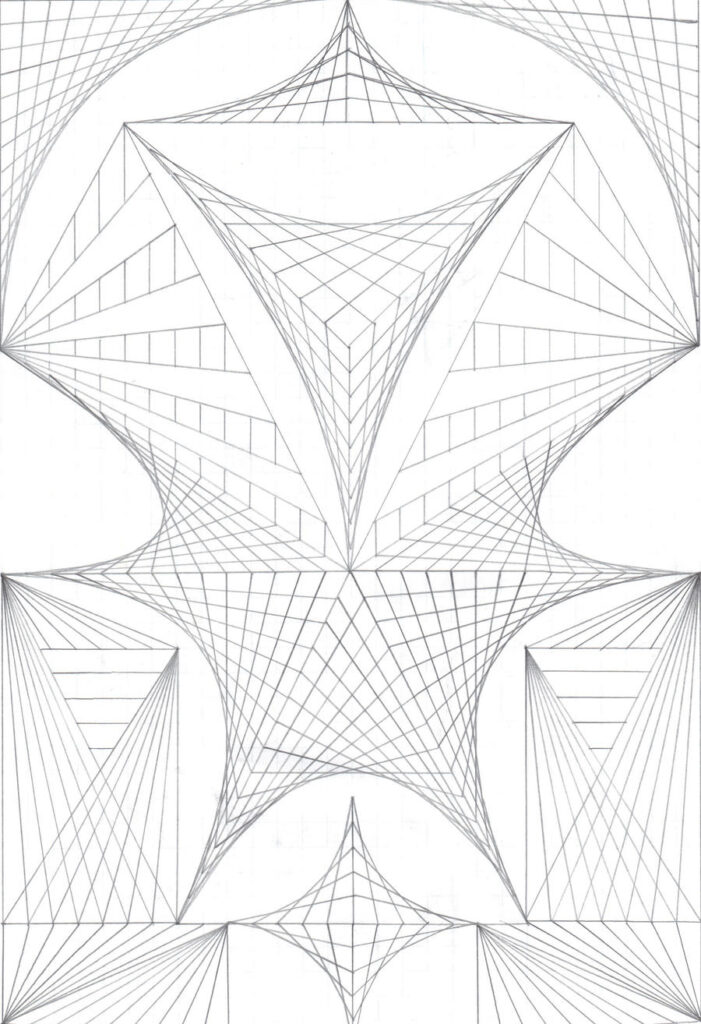
Paper size and orientation dictate how your design translates from screen to print. Decide between portrait and landscape early, then set up the document with the same aspect ratio as your grid. Use a standard print sheet such as letter or A4 for predictable margins, and enable a borderless option only if your printer supports it without cropping content.
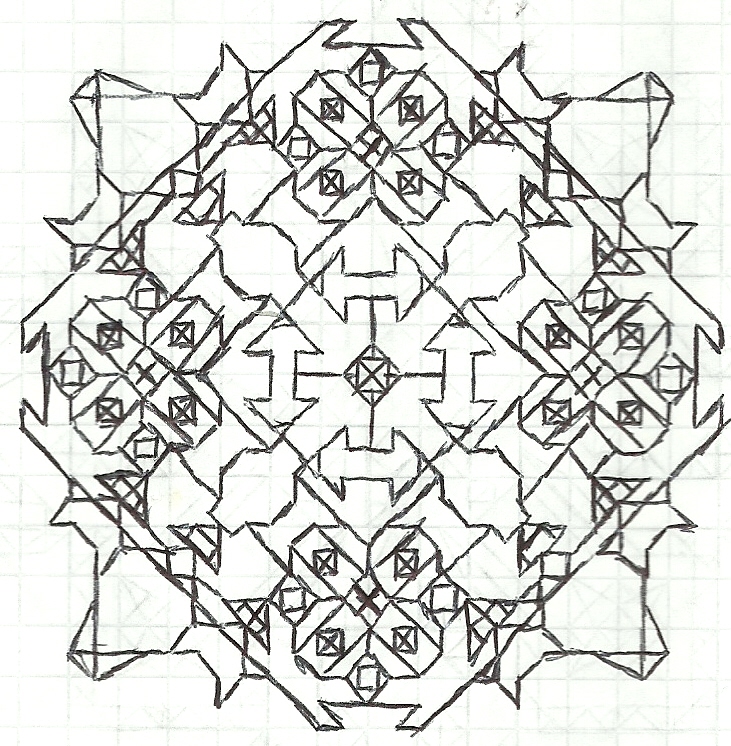
Controlling scale is critical when accuracy matters. In your browser or design app, set the page to 100% to avoid automatic scaling. Print a small test page with a visible grid, then measure a few key squares with a ruler to confirm that one grid unit matches the intended dimension. Calibrate if needed and recheck margins after any adjustment.
Finally, verify in the real world before committing a full run. Place the print on the intended display, check margins against framing edges, and confirm that scale remains consistent across multiple pages. FAQ: How do I set the grid size? Start with 1/4 inch squares and adjust for detail; Do I need a test print? Yes—print a proof to verify margins, scale, and alignment; Can margins be customized? Yes, tailor them to your layout.