
As a graphic designer, I start with a clean surface to test ideas. A reliable graph paper printable option helps translate rough sketches into precise coordinates and measured grids, making early composition feel confident and orderly. In practice, I prefer results that align with printing steps and margins.
When I map a layout, I rely on consistent grid spacing and a predictable scale. Printable grids eliminate guesswork when aligning typography, icons, and margins. I compare options by grid density, such as 1/4 inch versus 1/10 inch squares, and I test how each setting translates to the final print. Consistency matters more than clever design tricks.
Grid size and precision
For beginners, start with a larger grid so every square is easy to count. If you’re drafting logos or layouts, a 5 mm square grid is a comfortable balance between detail and readability. For precision-heavy tasks, smaller squares make alignment easier, but they also require sharper printing and higher accuracy in the margins.
Paper size and margins
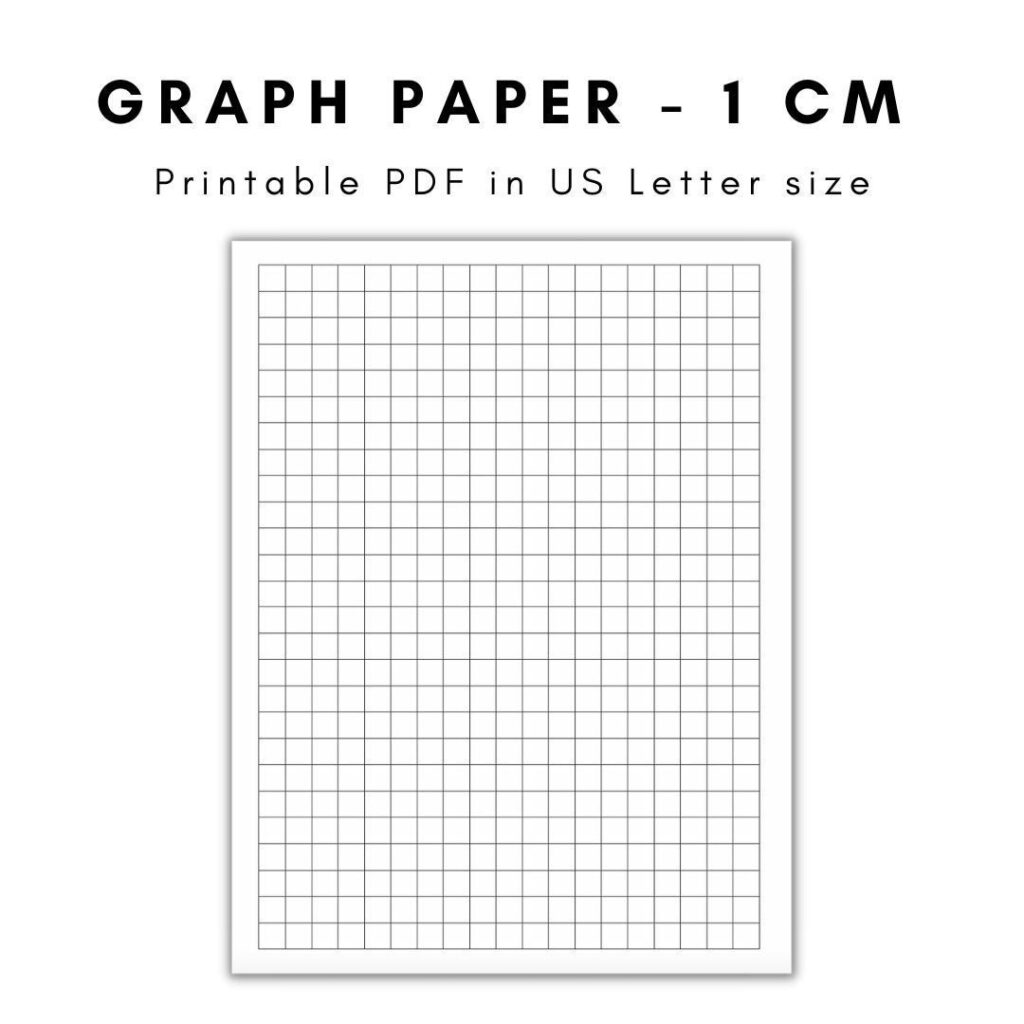
Think about paper size and margins before you print. Letter size (8.5 by 11 inches) is common, but legal or tabloid can unlock different layout options. Leave generous margins to avoid clipping when the printer handles edge-to-edge shifts. If you expect fold lines or trimming, build a bleed area or safe zone so critical elements stay intact.
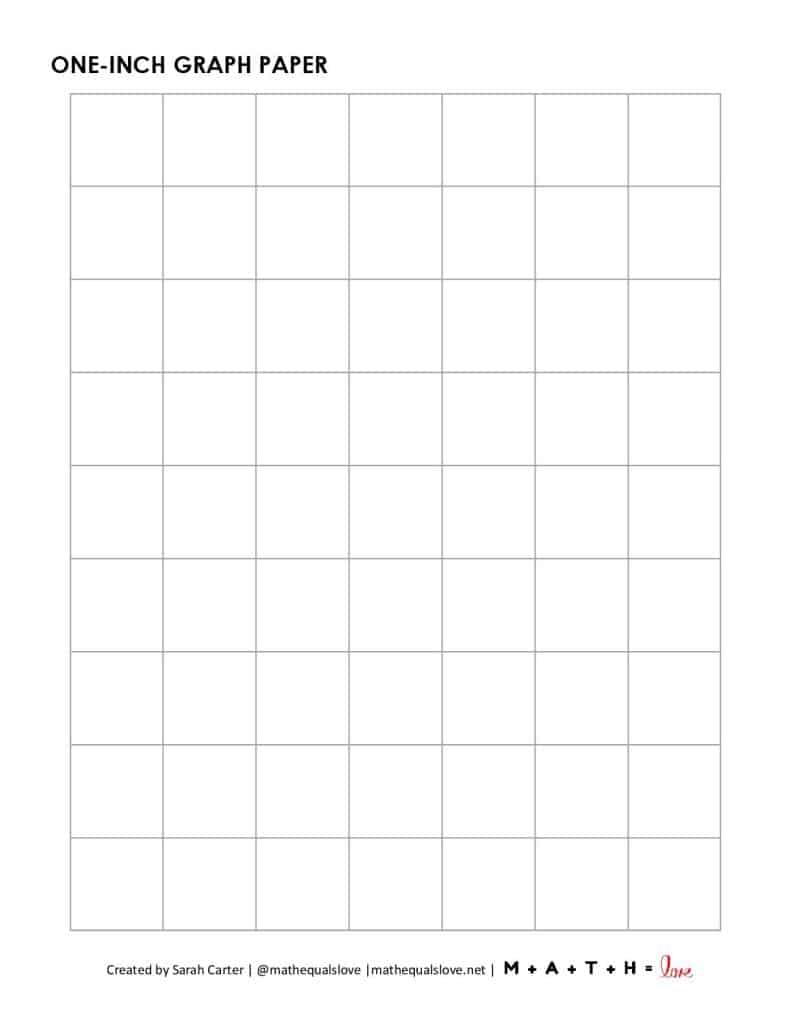
Practical printing tips
Q1: How do I choose grid size for a project? The choice depends on the level of detail and the final print size. A larger grid is easier to read, while smaller squares offer finer alignment. Q2: What paper size should I print on to maintain accuracy? Start with Letter or A4 and avoid scaling in the print dialog to keep the grid true.
Q3: Should I print with borders or edge-to-edge? Borders help with alignment but can distort near the edge on some printers. Q4: How can I verify accuracy after printing? Measure a sample with a ruler and compare to the intended scale; run a small test page before committing.
Q5: How do I keep consistency across projects? Save a preset for grid size, scale, and margins and label files clearly so teammates can reproduce your results. Q6: What if the grid prints slightly off? Calibrate the printer, check paper feeding, and run a test page before final production. Practical conclusion: plan margins, verify size with a test print, and document your settings.