
As a graphic designer, I start ideas on four quadrant graph paper, using the square grid to map layouts and refine spacing before moving to digital tools. Those crisp lines help me gauge margins and scale from the first sketch.
In this beginner guide, I will walk you through choosing grid size, paper size, and orientation, plus practical printing notes that improve accuracy. We will compare square grids, coordinate grids, and measurement grids so you can pick what matches your project. Think of grid paper as a design tool that translates your ideas from screen to print with predictable results.
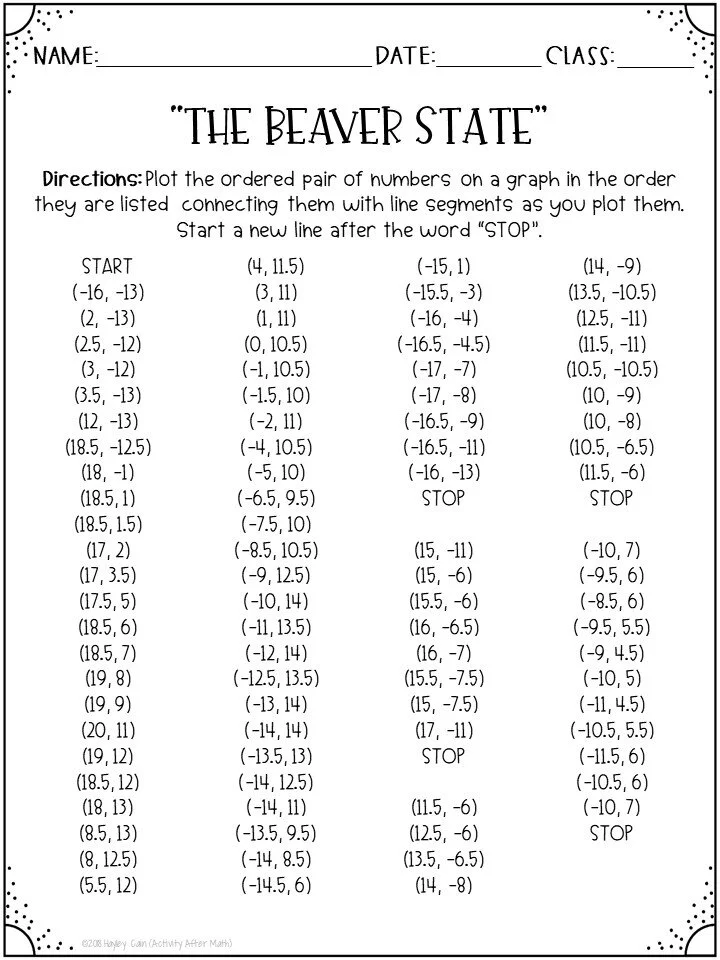
Printing accuracy begins with a clear margin layout that leaves room for framing while preserving the grid. Set a defined scale, either actual size or a fixed ratio, and verify with a quick test print on plain stock before committing to a final run.
Grid sizing basics
When selecting grid size, consider your project’s detail level and the size of your paper. Common options include 1/8 inch (0.125") or 1/4 inch (0.25") square grids for planning logos, typography, and layouts. Remember printer margins eat into printable space, so choose a paper size that accommodates your grid along with a comfortable outer margin.
Paper size and layout
Paper size and orientation matter for accuracy. If you are printing a plan that will be used with a ruler, keep the long edge aligned with the grid’s orientation to preserve square geometry. Choose a standard Letter or A4 size when possible, and verify the printer’s margin settings to avoid clipping grid lines during print.
Printing and scale settings
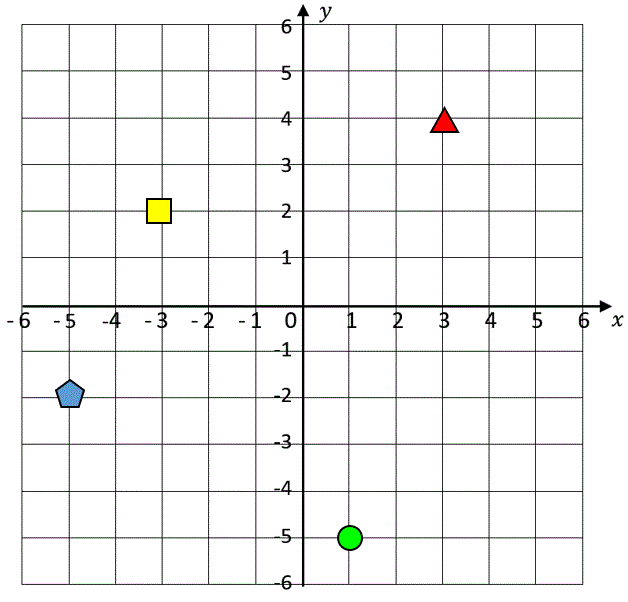
Most browsers and printers offer scale options like 100%, Fit to Page, or custom percentages. For precise grids, print at actual size (1:1) and disable page scaling. Check the printer’s paper size setting matches your chosen sheet, then run a small test print to confirm that each square matches your intended dimension.
FAQ: Q1: How do I ensure true size printing? A1: Use actual size settings and measure a printed square with a ruler. Q2: What grid spacing should I start with? A2: Start with 1/8 inch squares for precision or 1/4 inch for faster planning. Q3: Portrait or landscape? A3: Align with your project orientation. Q4: How can I check margins quickly? A4: Print a test page with a known border and compare to a ruler.
By choosing the right grid size, paper size, and printing settings, you’ll improve efficiency and accuracy from concept to final layout. Remember to test scale early, account for printer margins, and verify measurements with a quick check after printing. Printable grids are a flexible tool for brainstorming, but precision comes from deliberate setup and careful verification. Use these steps as a practical checklist for any project.