
As an architecture mentor, I remind students that the first step in a strong design is a clear drawing. A well-prepared pdf of graph paper provides a predictable playground to test scale and layout before CAD. Consistency in grid spacing keeps ideas legible.
Graph Paper for Architects
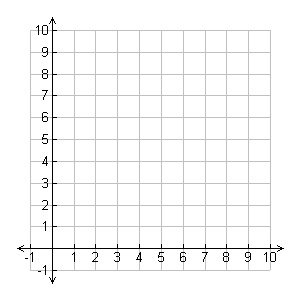
As you translate ideas from sketch to plan, a grid keeps lines honest. Coordinate grids help you check alignments, measure lengths, and plot rooms with confidence. In mentoring, I stress reading the space with square grids, not just freehand curves, so early concepts stay legible when you scale up to formal drawings.
Grid and Paper Choices
Mistake 1: I see beginners crowd a page with too fine a grid, especially on large plans. The result is clutter and misread distances. Solution: start with a 1/4 inch grid (or 5 mm) and test a small section at your target scale. This keeps line work clean and proportional as you expand.
Mistake 2: ignoring margins and print scale. Some printers trim edges, and beginners assume the grid prints at exactly 1:1. Solution: set explicit margins, print a test page at actual size, and verify with a ruler before committing to a full sheet. If necessary, adjust printer settings to 'fit to page' or 'actual size'.
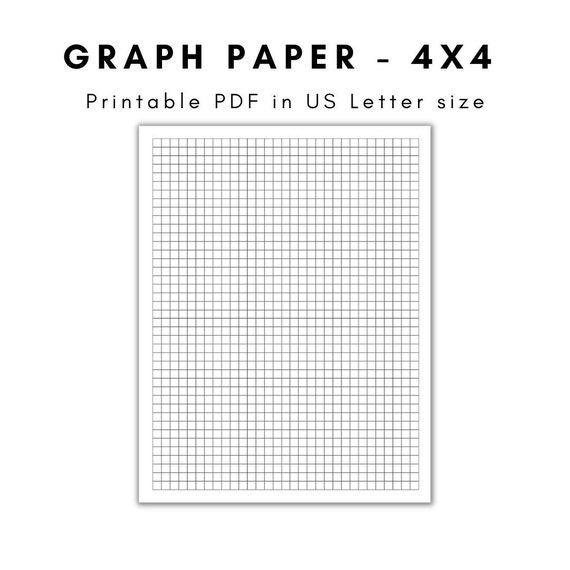
Mistake 3: mixing orientation and scale can derail a project. Portrait pages feel cramped for floor plans; landscape often accommodates longer spans. Solution: decide the project scale first (for example 1:50 or 1:100) and lock grid spacing to match that scale. Use margins to keep notes beside the drawing for quick reference.
FAQ: How do I pick grid size? Start with 1/4 inch squares. How can I verify printing accuracy? Do a test print and measure a known distance. Which paper size should I use? Letter or A4 are common. Should I orient for drafting? Landscape often works best for wide plans. Conclusion: With a deliberate grid approach and quick checks, your drawings stay legible from concept to completion.