
As a practical math teacher who prints a lot of worksheets, I rely on clear grids and careful setup. A reliable printable graph paper saves class time and reduces errors when plotting coordinates or checking slopes. I often search for free graph paper printable pdf resources that deliver clean lines and predictable margins for standard paper sizes.
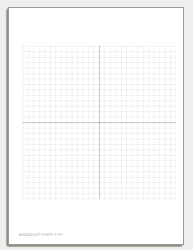
Printing accuracy matters most when students rely on exact distances. Start by selecting a grid size that matches the task: a 1/4 inch square is common for algebra, while 1/2 inch works for bigger graphs and hands-on activities. Ensure the PDF uses actual size, not fit to page, and set margins wide enough to prevent clipping. Check that the grid aligns with your chosen paper format.
Printing basics
Q: How do I choose a grid size for class activities? A: For most math prompts in pre-algebra or geometry, a 1/4 inch square grid provides detail without crowding. If you plan larger graphs, a 1/2 inch grid offers space. Keep left and bottom margins at least 0.25 inch to prevent clipping.
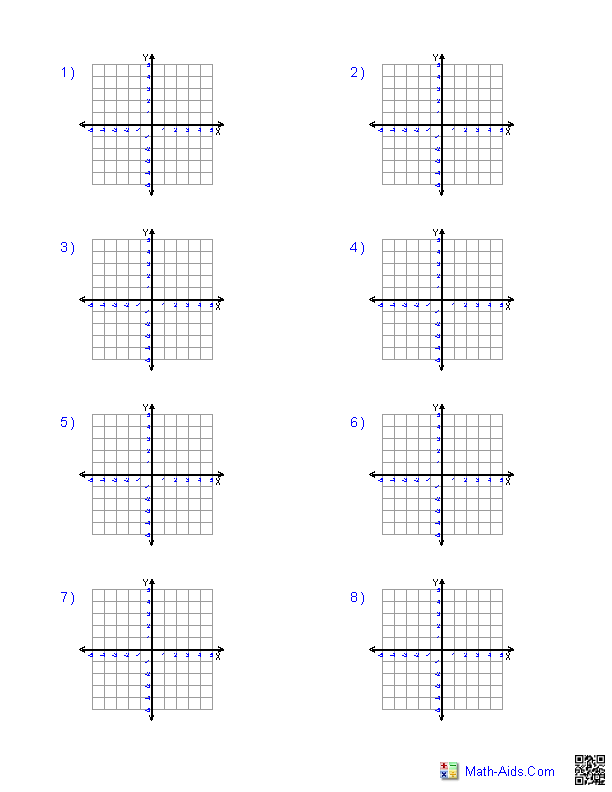
Grid options
Grid spacing and margins affect readability. If you plan to punch multiple sheets into a binder, consider slightly larger margins or a lighter border to keep the grid visible when pages are scanned. Remember, printable grids should align with standard paper sizes such as Letter or A4, and you may need to adjust orientation for best fit.
Printer and browser settings
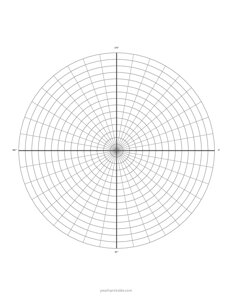
Q: What grid size is best for beginners? A: Start with a 1/4 inch square; it balances detail and readability. Q: Should I use portrait or landscape? A: Both orientations work; pick the one that fits the task and the page layout.
Q: How do I ensure 1:1 scale when printing from a browser? A: In the print dialog, choose Actual size or 100% scale, and enable borderless printing if your printer allows it. Q: What about margins? A: Set margins at about 0.25 inch to prevent clipping and to leave space for trimming or binding.
Q: Letter vs A4 paper—what should I select? A: Use Letter if your class uses US printers, or A4 if worksheets travel internationally. Q: Any quick accuracy check after printing? A: Measure a known grid distance with a ruler to confirm scale, then adjust and reprint if needed. Conclusion: With careful settings and a consistent grid, printable grids stay reliable.