
As a practical math teacher, I rely on clear, reliable tools to help students visualize relationships on the page. When we practice plotting coordinates, a sturdy, legible grid matters as much as the math we're solving, especially during warmups and quick checks for understanding.
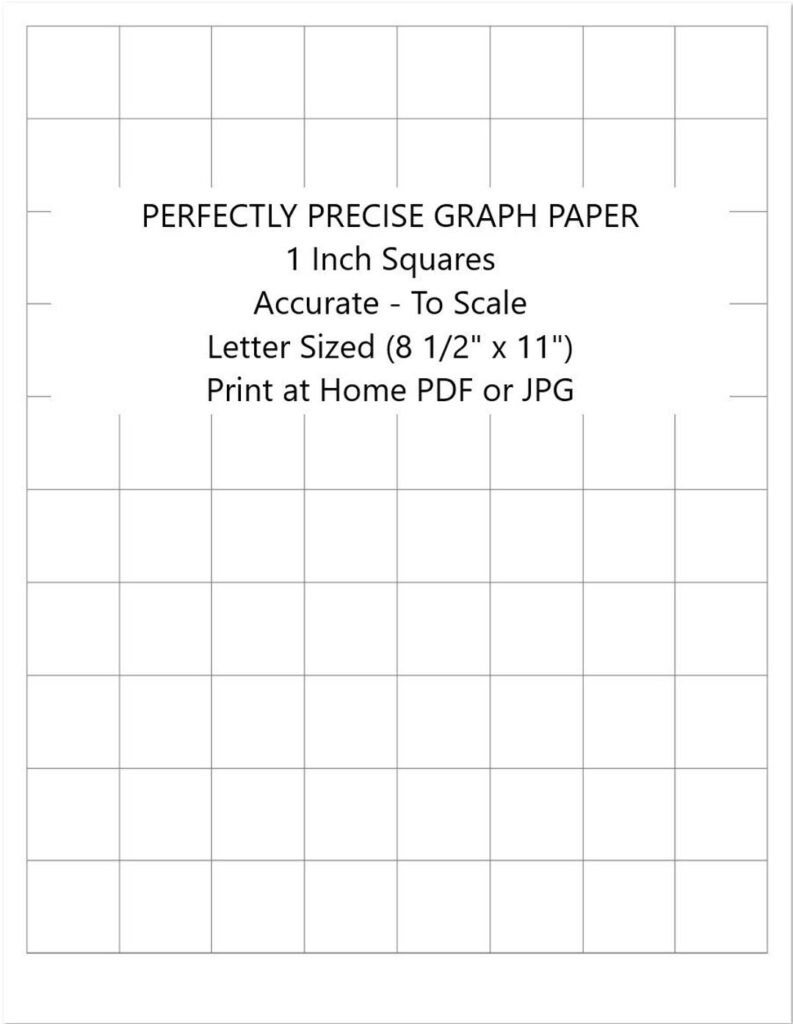
In classrooms, the standard tool is graph paper that lays out one inch squares. To ensure the grid prints accurately, I encourage teachers and students to use print 1 inch graph paper when possible, because it supports consistent scale, measured work, and easy cross-checks with rulers. It also helps with mental math checks during rapid practice and ensures that the coordinate grids align with our standard rulers for assignment checking and grading consistency.
Grid size and scale
Grid size choices affect how much room students have for labels, calculations, and graphing. For beginners, 1 inch squares give clear scale and easy counting of units, so I often start with printable grids in that size. As tasks get tighter, 1/2 inch or 1/4 inch grids let you fit more on a page, but they demand careful attention to scale, margins, and print accuracy. Always do a quick test print.
Margins determine how much of the grid prints on the page and how much is trimmed by printers or copiers. If margins are too small, you may lose edge squares when sharing copies. In general, aim for standard margins of about 0.25 inch on all sides and avoid setting margins so close that the grid lines touch the edge of the sheet. Center the grid for symmetry and readability.
Margins and printable area
Paper size and orientation influence how many squares fit across and down. Letter and A4 are the most common, but if your task requires more horizontal space for long coordinate lists, landscape orientation can help. Before printing, confirm the document's page size matches your printer settings, and review a print preview to catch any unexpected trimming. When accuracy matters, avoid auto-fit options and select actual size.
Printing settings and checks
FAQ: Q1: How can I print 1 inch grid squares accurately? A: Set the print scale to 100% and turn off fit-to-page. Q2: Which paper size works best? A: Letter or A4 with standard margins. Q3: How wide should margins be? A: Leave at least 0.25 inch of margin. Q4: How do I verify accuracy? A: Print a test square and measure with a ruler.
Conclusion: In practice, accurate printing of grid paper starts with choosing the right grid size, paper size, and margins, then applying the correct print scale and browser or printer settings. Always test a small page before assigning activities, and keep a quick ruler handy to verify a few squares. With these steps, you can reliably use printable grids for plotting, measurements, and math checks across lessons.