
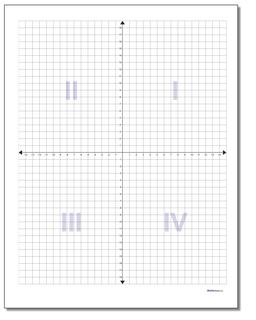
Teaching with grid paper keeps math ideas concrete and trackable. I begin units by giving coordinate grids on standard paper and showing how each square represents one unit. For the classroom, graph paper printable 8 5 x 11 options are convenient, but accuracy still comes from careful setup.
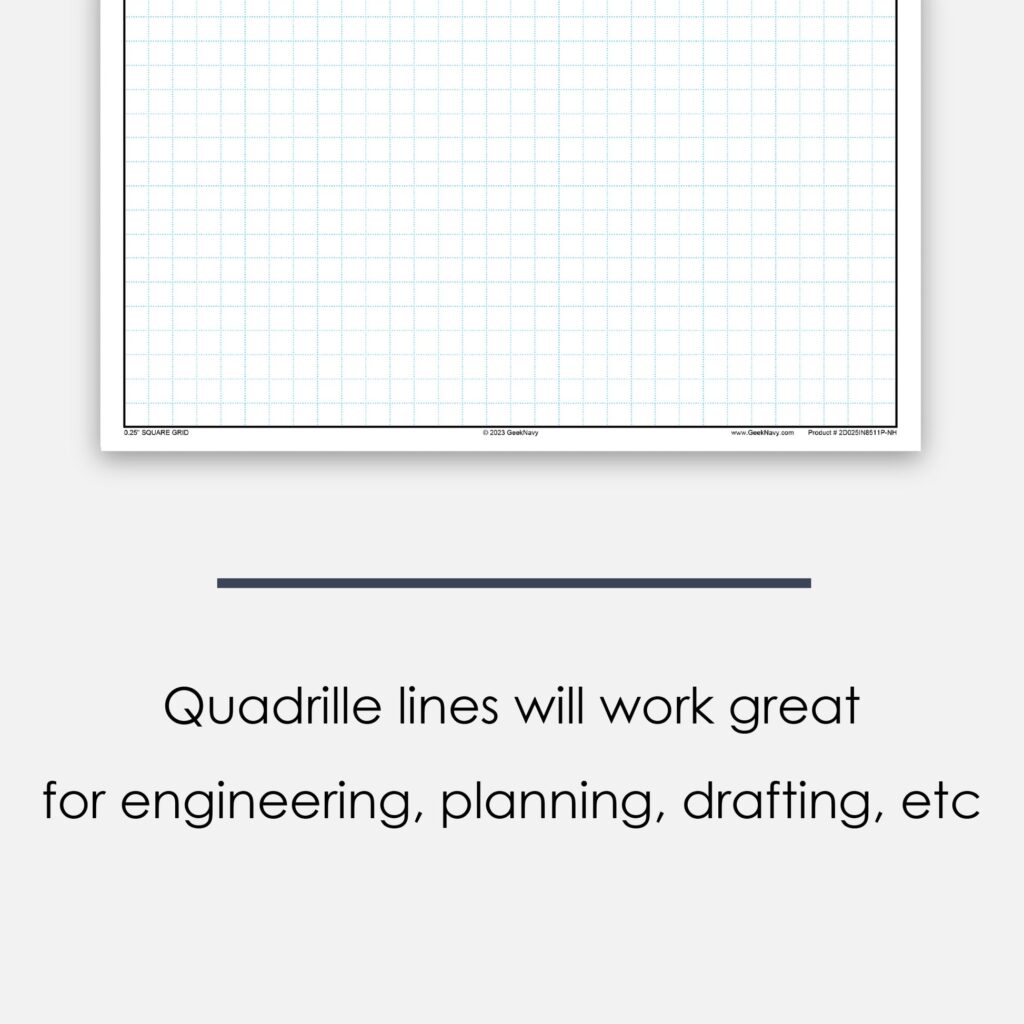
In practice, the biggest obstacle is printing accuracy. A slight shift in margins or scale makes squares drift and graphing tasks fall out of alignment. Before a lesson I print a quick test page and measure a few squares with a ruler to confirm the grid's integrity.
Grid size and scale
First, grid spacing matters. Common options are 1/4 inch and 1/8 inch squares, with metric grids in centimeters for international worksheets. For early algebra, 1/4 inch gives room for notes; for precise coordinate work, 1/8 inch keeps points from crowding. If you teach graphing, consider providing both versions on separate pages.
Next, margins influence usability. Wide margins prevent edge clipping and can help when pages are bound in notebooks. Set margins in the print dialog to keep the grid centered on standard letter size. When possible, print single pages first to verify that the grid remains square at the edges.
Print setup tips
Orientation matters for how students read charts. Portrait works well for worksheets that accompany notes, while landscape can fit wider coordinate grids and demonstrations. Set the print scale to 100 percent and avoid auto fit unless you need to fit a large grid on a single page. After changing settings, run a quick test print to confirm accuracy.
Use the browser's print preview to check margins and page breaks before printing. In printer options, choose actual size and disable fit to page. If you see misalignment, try printing from a PDF or switching printers to compare results. This step saves paper and classroom time.
Q: How do you choose grid spacing for a mixed math class? A: Start with 1/4 inch squares for beginners and consider 1/8 inch for graphing tasks that require finer detail. Q: How can I verify print scale? A: Print a test page with a known measurement and measure a square with a ruler to confirm accuracy. Q: Should I use portrait or landscape orientation?
A: Portrait fits most worksheets, while landscape works for wider coordinate grids. Q: How do margins affect usability? A: Slightly larger margins prevent edge clipping and help with binding while keeping grid edges visible.