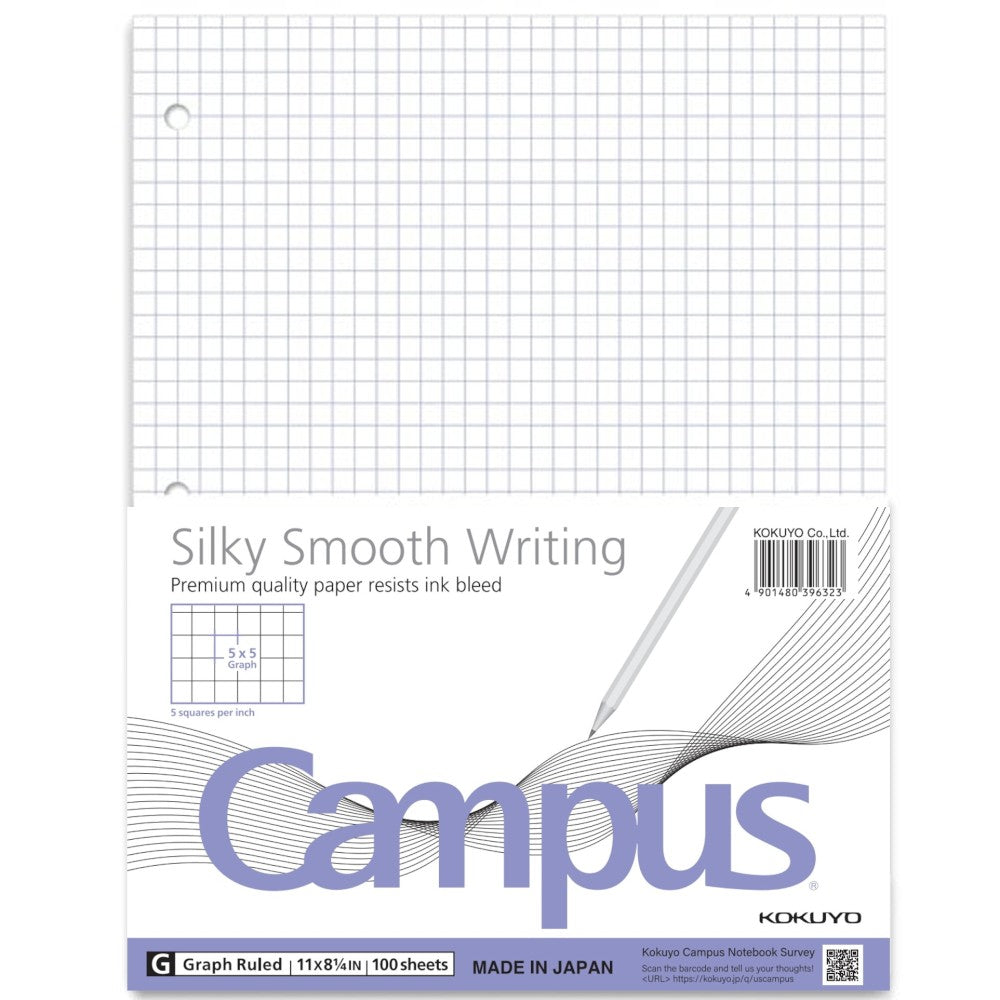
As a graphic designer, I rely on grid thinking to translate ideas into precise visuals. Grid paper helps me test alignment, margins, and scale before moving to digital tools, saving time and preventing miscalculations that ripple through a design project.
Printing accuracy starts with choosing the right grid paper size and grid spacing. Start by selecting a printable grid that matches your project margins and scale. The concept of graph paper writing comes up in discussions about how the grid translates to real measurements, so keep that alignment in mind. Always test print a small section at actual size to verify that the squares line up with your intended margins and units.
Grid size and scale
Next, define the scale you’ll use on paper. In graphic design, translating screen measurements into grid units is a common pitfall. A practical approach is to pick a square size that matches a familiar measurement, such as 1 mm or 1/8 inch, and then stick to it. Establish margins early: a safe practice is to leave at least a 0.25-inch border on all sides for print proofing. This helps ensure your final piece breathes and stays within the intended trim area.
Print settings matter as much as the grid itself. Start with orientation: landscape often suits wide charts, while portrait fits tall layouts. Set the scale so that the on-screen grid lines up with your paper grid; for example, 1:1 or 100% print size, depending on the grid spacing you chose. Check the preferences in your browser or printer dialog, and avoid automatic fit-to-page options that distort margins or disturb grid alignment.
Margins and safe zones
Margins define the breathing room around your work and influence how a grid-driven design feels on the page. When you use printable grids, it's easy to misjudge the trim area if you rely on screen measurements alone. Mark the margins in your layout with a light border and test a physical print to confirm alignment. If you work with a bleed, add extra grid space beyond the final trim so every element remains legible and well-placed.
Final checks before printing
FAQ: quick answers for beginners who work with grid systems. Question 1: How do I choose the best grid size for a project? Answer: Start with common scales such as 5 mm or 1/8 inch grid and adjust to fit your margins. Question 2: Should I use landscape or portrait orientation for typical grid layouts? Answer: Use landscape for wide charts and portrait for tall diagrams; test prints help confirm.
Question 3: How do I verify measurements when printing from a browser? Answer: Choose Actual Size, turn off Fit to Page, and print a small sample to check scale. Question 4: How should I handle margins if my final piece is trimmed? Answer: Keep critical details inside the safe zone and consider bleed if your printer supports it.

Conclusion: A practical approach to graph paper writing blends design intuition with printed accuracy. Start by selecting grid spacing that matches your margins, then test prints to confirm scale. Remember to check orientation, margins, and browser or printer settings before final output. With careful planning, printable grids become a reliable foundation for sketches, layouts, and precise technical drawings that translate well from screen to page.