
As a CAD instructor, I begin each project by sketching on a clean surface with a sheet of grid paper that matches the task at hand. I often recommend personalized graph paper to align scale, margins, and layout before I open the software.
Plain paper works for quick ideas, but lined sheets can distort measurements and make erasing messy. As a CAD instructor, I rely on graph paper to establish scale before diving into digital tools. If you are learning CAD, start on grid paper to map distances, check proportions, and keep lines straight. Treat the sheet as a planning canvas, not a final drawing.
Graph paper comes in several flavors: coordinate grids with explicit x and y marks, plain square grids, and measurement grids that expose a built-in scale. Coordinate grids help you place features at exact points, while square grids simplify counting units during early layouts. When choosing printable grids, consider grid spacing from tiny fractions to an inch and margins that fit standard paper sizes. Fine grids support detail, while bolder grids improve overall readability and quick checks.
Grid size and paper choices
Step 1: define your project scale. Step 2: pick grid spacing that matches the smallest dimension you expect to model. Step 3: decide orientation and margins so you can capture the full layout on your sheet. Step 4: plan how you will transfer the plan to CAD, whether by scanning or redrawing. Each step builds a reliable foundation before you open any software.
Printing and setup
Practical printing starts with the right scale. In your print dialog, set the scale to 1:1 if you want a true transcription of measurements, or choose a ratio that fits your page while preserving grid spacing. Verify orientation so the grid aligns with your intended X and Y directions. Do a test print on plain paper before committing to your final sheet.
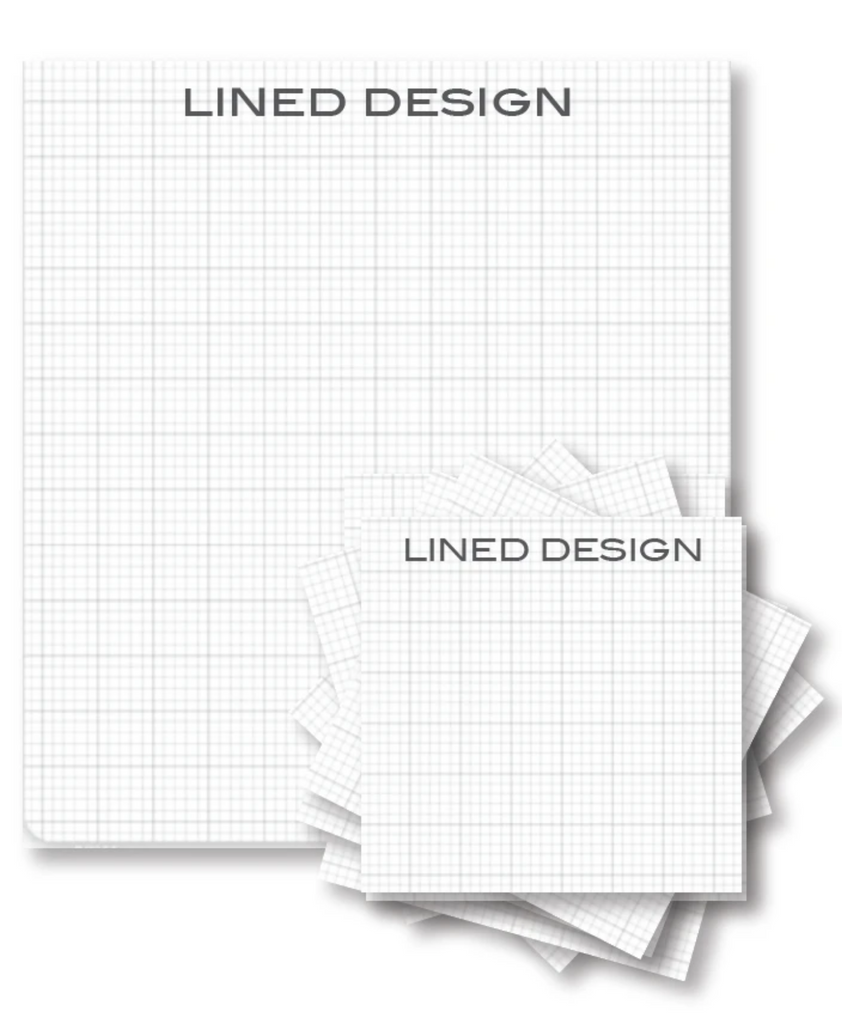
Beyond printing, keep accuracy by checking live measurements against CAD tolerances. Use margins to leave room for annotations while preserving scale. If you are using a large grid, document the exact square size and coordinate origin so your grid lines translate cleanly when you import to CAD. This discipline prevents drift when turning rough sketches into precise models.
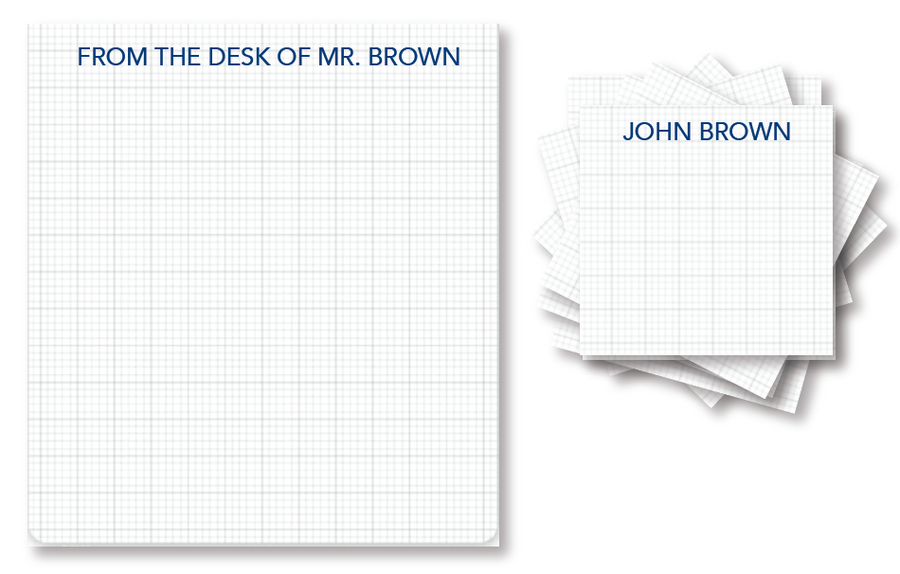
FAQ: Q1: Is grid paper necessary for CAD planning? A1: Not strictly, but it helps with layout and scale. Q2: What grid spacing should I start with? A2: Start with 1/4 inch squares for small parts and adjust as needed. Q3: Can I reuse a printable grid for multiple projects? A3: Yes, reprint at the required size or update margins. Q4: How do margins affect accuracy? A4: Margins keep notes clear and ensure the grid stays aligned.
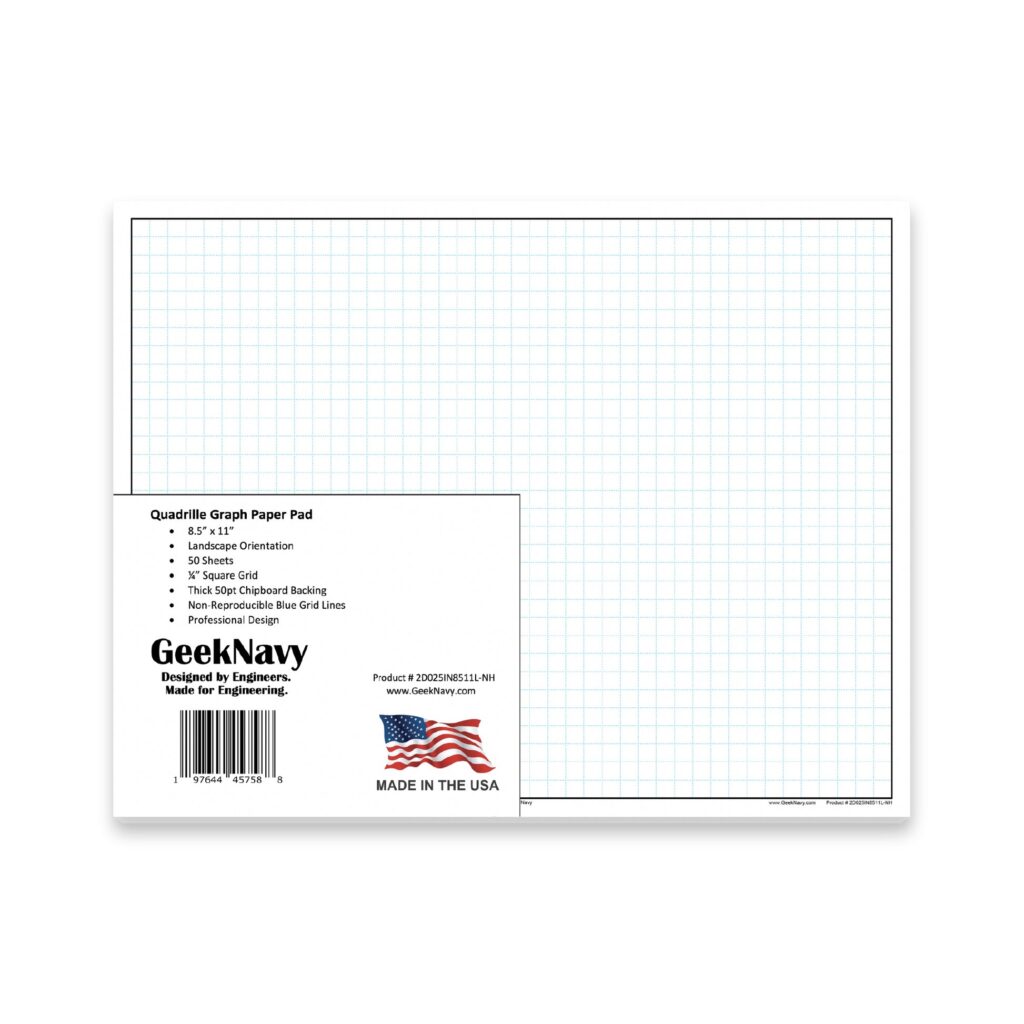
Conclusion: Personalized graph paper is a practical companion for CAD preparation. It helps you plan, measure, and review layouts before digitizing ideas. By choosing the right grid spacing, paper size, and printing scale, you reduce errors and save time. Apply the step-by-step approach described here to create reliable foundations for your drawings, every time.