
As a CAD instructor, I see how the right paper surface sharpens your drafting accuracy and planning. This guide explains how to pick the right grid, orientation, and printing setup. When you start with graph paper for drawing, you set a predictable baseline for scale, margins, and layout.
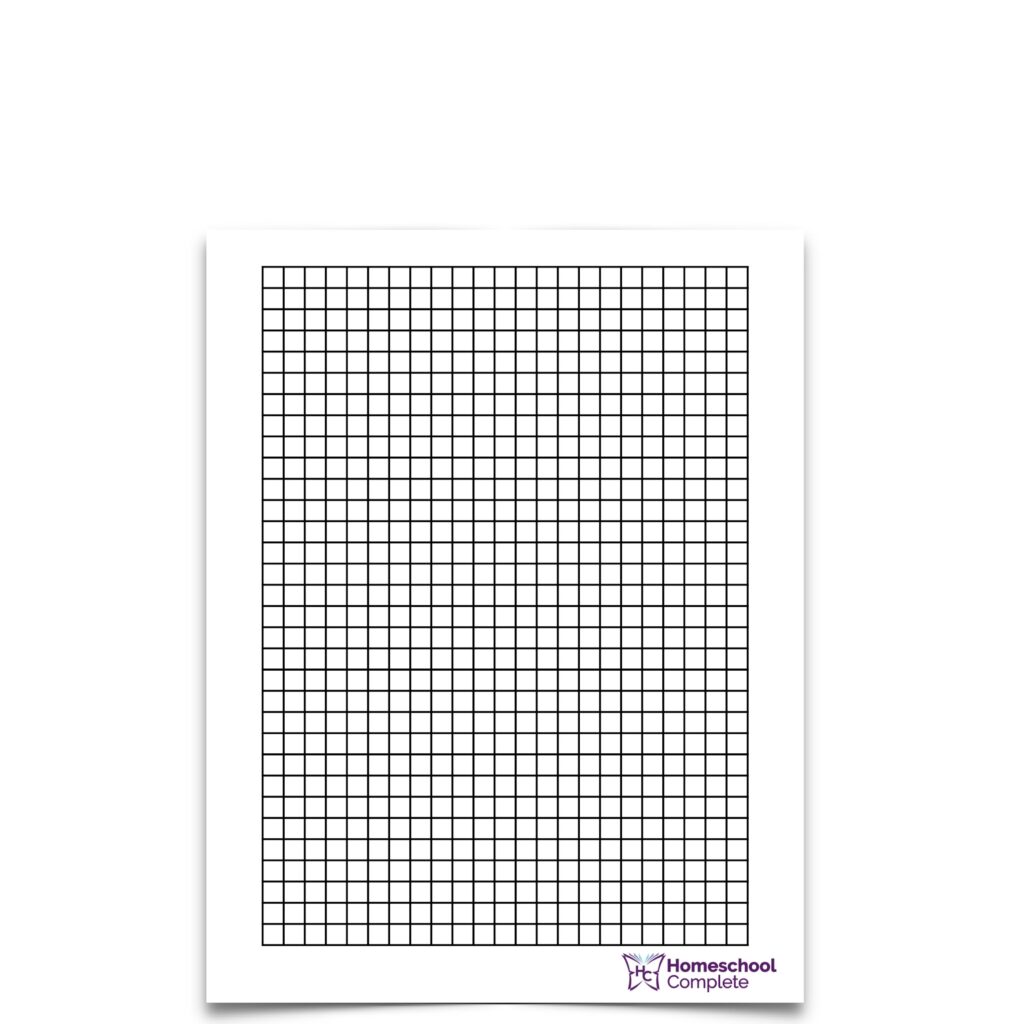
Grid paper gives you a fixed coordinate system that helps align components and measure gaps during early planning. This reduces guesswork when sketching layouts and checking relative sizes. I find it especially useful for quick thumbnails and test placements before moving to CAD software.
Choosing grid size
To begin planning, pick a grid spacing that matches your typical project scale. Common choices include 1/4 inch square grids for architectural concepts and 1/8 inch squares for smaller mechanical details. Coordinate grids with labeled axes help track distances, while larger margins provide space for notes and margins. Consider printable grids if you need to share a rough sketch with teammates.
Paper size and orientation matter when you move from sketching on paper to digital drafting. A standard letter or A4 page in landscape orientation often works well for wide layouts, while portrait suits tall assemblies. Plain paper or lined notebooks can work for rough ideation, but you lose the fixed grid and scale. Set margins wide enough to avoid clipping in printers, and plan a scale that yields legible numbers as you transfer to CAD.
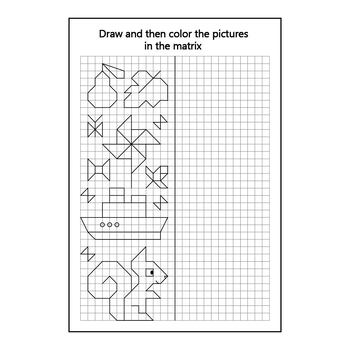
Print and measure
When you print a grid, choose a scale that preserves line weights and spacing. In your browser or PDF viewer, ensure the page is set to 100% (no fit-to-page) and confirm that margins match the grid's edge. Use a ruler on a test print to verify that 1 inch or 1 cm on paper corresponds to the grid spacing.
FAQ: Q1: Which grid size is best for beginners? A1: Start with 1/4 inch squares for general planning and proportion checks. Q2: Do darker lines help? A2: Moderate contrast improves visibility without overpowering the sketch. Q3: Can I use plain printer paper? A3: For rough ideation, yes, but expect less accuracy. Q4: How do I move from paper to CAD? A4: Align sketches to the grid and verify key dimensions in CAD.

Conclusion: Grid paper acts as a practical bridge between concept and CAD, helping you establish scale, margins, and alignment before digitizing. With careful grid size choices and printing checks, your early sketches become reliable references. Compare grid paper with plain or lined paper to understand what speeds your drafting workflow and where to invest your time.