
As a geometry instructor, I rely on tools that translate abstract ideas into precise visuals. A well-chosen grid supports proofs, constructions, and collaborative problem solving. In my classroom, a graph paper program helps design activities with consistent scale and predictable margins, making it easier for students to compare shapes and measure angles confidently.
Grid paper, often called grid or coordinate paper, organizes work by showing unit squares and axes. It reduces ambiguity when drawing polygons, plotting points, or testing a line's slope. A practical program offers templates for common tasks while leaving room for exploration and explanation. Students gain confidence as they reference a consistent scale and clean margins.
Compared with plain paper and lined notebooks, grid paper shines for geometry. It makes measurements straightforward, aligns sketches to scale, and helps students visualize relationships between lengths, slopes, and areas. When you print grids at the right size, you reproduce exact diagrams and verify notes without guessing, which matters in proofs and construction activities.
Grid size choices
Choosing grid size depends on task and age. A fine 0.5 cm or 0.25 inch square grid offers detail for compass work, while larger squares simplify demonstrations and note-taking. For coordinate practice, ensure the origin is clear and that each square represents a consistent unit. Consider margins and the amount of room for labels.
Paper size and orientation
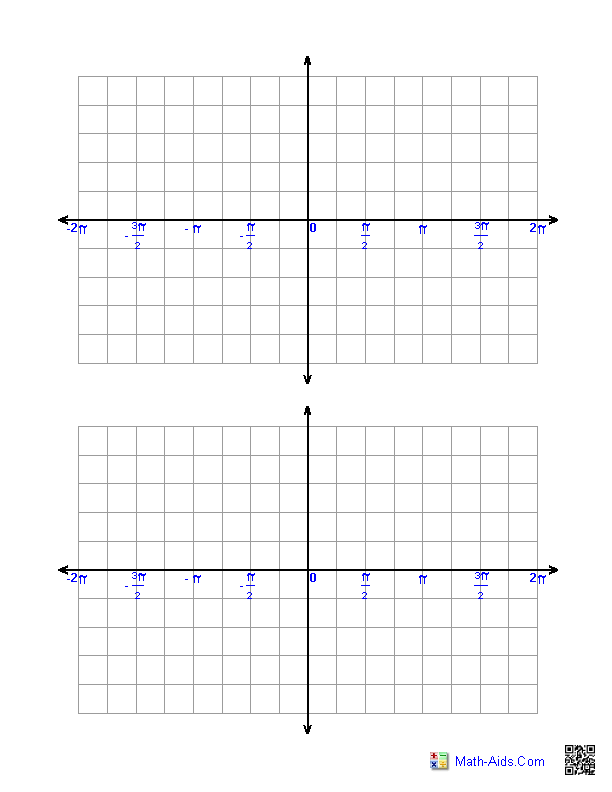
Paper size and orientation affect how much you can fit on a page. A standard US letter sheet in portrait mode works well for single-page demos; landscape suits wide grids and graphs. Print at 100% scale, and test by measuring a few squares with a ruler to confirm the spacing matches your intended unit. If you switch to A4, adjust margins accordingly.
Printing and setup
Printing and setup require a careful approach to avoid distortion. Use a PDF to lock in layout, print at 100% scale, and check margins with a ruler before assigning tasks. FAQ: Q1: What grid size is best for beginners? A1: Start with 0.5 cm squares to keep lines manageable.
Q2: Should I print at 100% scale? A2: Yes, 100% preserves grid spacing. Q3: How can I verify accuracy after printing? A3: Print a test page and measure a few squares with a ruler. Q4: Is landscape orientation ever better? A4: For wide plots and coordinate grids, landscape can help.
Conclusion: In practice, the right graph paper setup supports clearer thinking and fewer mistakes. Start with a standard printable grid, then adjust grid spacing and paper size to match the task. Check margins and scale before students begin, and use a consistent origin for coordinate work. With a little upfront setup, students stay focused on geometry concepts rather than clerical details.