
As a graphic designer, I reach for grid paper early in the concept phase. It grounds ideas, keeps proportions honest, and helps client sketches feel intentional. This guide shares practical steps for using grid paper to plan layouts, typography, and grids with confidence.
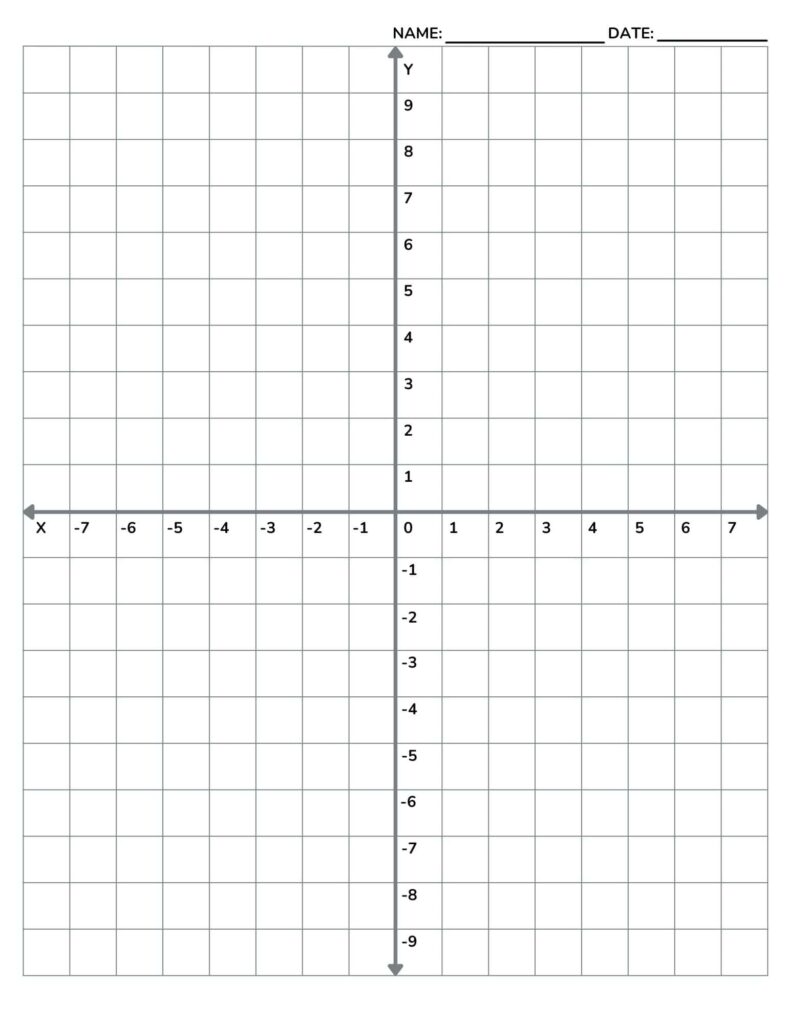
Part of the charm of grid paper is its discipline. With a simple coordinate grid, you can lock in margins, measure spacing, and keep typography aligned. how to use graph paper starts with a clear goal: sketch ideas quickly, then refine them into precise layouts for print or digital projects.
Printing and scaling basics
Printing accuracy on grid paper hinges on choosing the right scale and confirming it before any run. If you’re planning a poster, a logo, or a large layout, map your grid at a chosen scale (for example 1:1 for small studies or 1:2 for larger pieces). Include crop marks and a tiny margin checklist to keep trimming consistent.
Margins and paper settings influence how your design breathes on the page. When using printable grids, set a safe margin, such as 0.25 inches, to protect key elements from edge cuts. Choose the paper size, like letter, A4, or tabloid, and align your layout orientation to maximize drawing space without crowding.
Grid size decisions
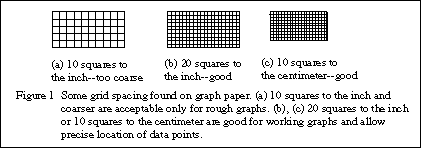
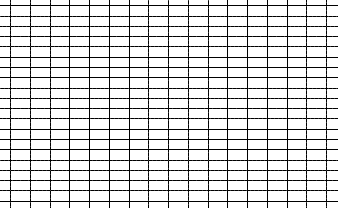
Choosing grid size is a balance between flexibility and precision. For branding sketches, a 1/8 inch square grid provides room for alignment, while a 1/4 inch grid speeds up layout for larger posters. If you’re working on tight typography, go finer; for quick concept piles, go coarser. Always test a small sample before committing to a full sheet.
Be mindful of orientation and printing scale across devices and printers. If you print from a browser, verify that no automatic fit-to-page options alter scale. Use actual size settings and run a ruler test against the grid to confirm accuracy. A quick check keeps coordinates and margins honest and saves reprints.
Q: How do I choose grid size? A: Start with 1/8 inch squares. Q: What margins work best for prints? A: Use at least 0.25 inches. Q: 1:1 or scaled printing—what should I pick? A: Use 1:1 for checks. Q: How can I verify accuracy? A: Print a ruler test and compare to your grid.