
As a graphic designer, I rely on grids to anchor layouts, proofs, and margins. Printing accuracy depends on a clear reference, so I often start with a printable graph paper grid for alignment. It helps me check scale, margins, and spacing before ink hits paper.
Grid size options
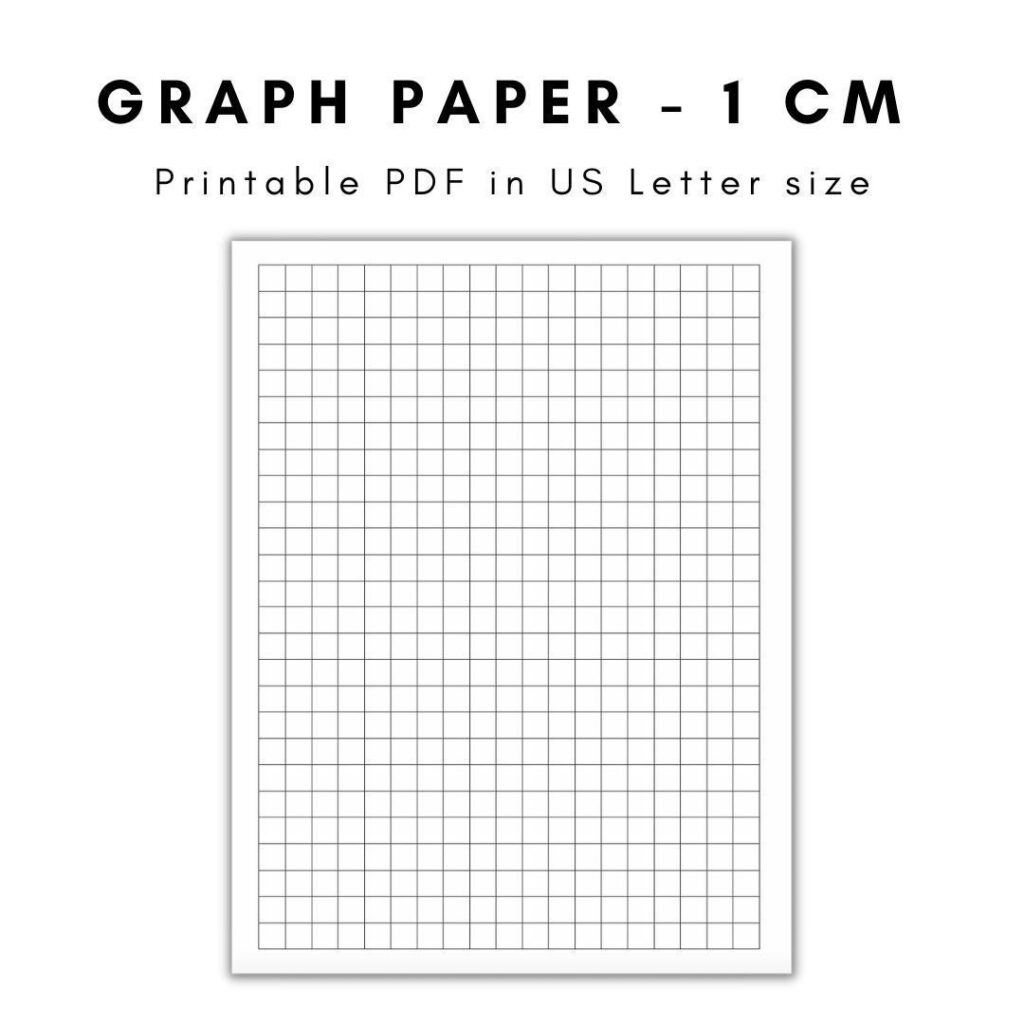
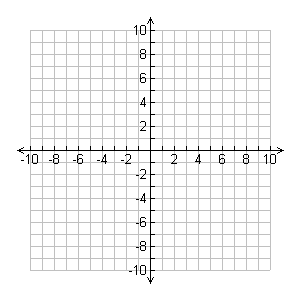
Grid spacing matters. Common choices are 1/4 inch (6.35 mm) squares for general layout, and 1/8 inch (3.175 mm) for finer detail. Coordinate grids with labeled axes are useful for technical drafts, while square grids keep typography and illustration aligned. If you're unsure, start with 1/4 inch and test a sample print; you can always switch later.
Paper size and margins
Printing scale is a critical lever for accuracy. If a document must align with a physical template, print at 100% scale and disable any fit-to-page options in the browser or printer driver. Double-check orientation before sending to print; rotating the grid in your design file may help you visualize how copy will read on paper.
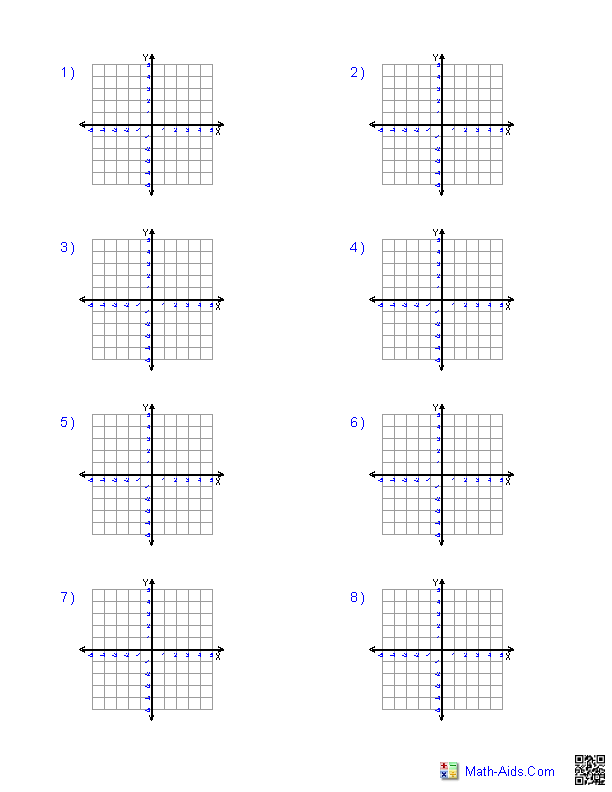
FAQ: What grid size should I start with? A good beginner size is 1/4 inch squares for general layout work. Should I prefer portrait or landscape for printing? Start with the orientation that matches your project; you can swap later if needed.
FAQ: How can I test accuracy without wasting resources? Do a test print on standard printer paper and measure key distances with a ruler, adjusting scale in your file if needed. FAQ: Should margins vary with binding? Allow extra space on the side near the binding and plan for trimming to the final size.
Conclusion: In practice, success with printable grids comes from planning, testing, and a clear understanding of margins, scale, and paper size. Start with a comfortable grid spacing, lock printing at 100% scale, and verify on a scrap sheet before final work. With these habits, your layouts translate cleanly from screen to print, keeping your typography and graphics precise.