
As a CAD instructor, I know starting a project on the right surface saves time later. A plan drawn on paper reduces revisions and keeps ideas tangible. This guide highlights grid paper strategies that translate to clean digital drawings, with 11×17 graph paper at the center of practical planning.
Grid Paper Essentials
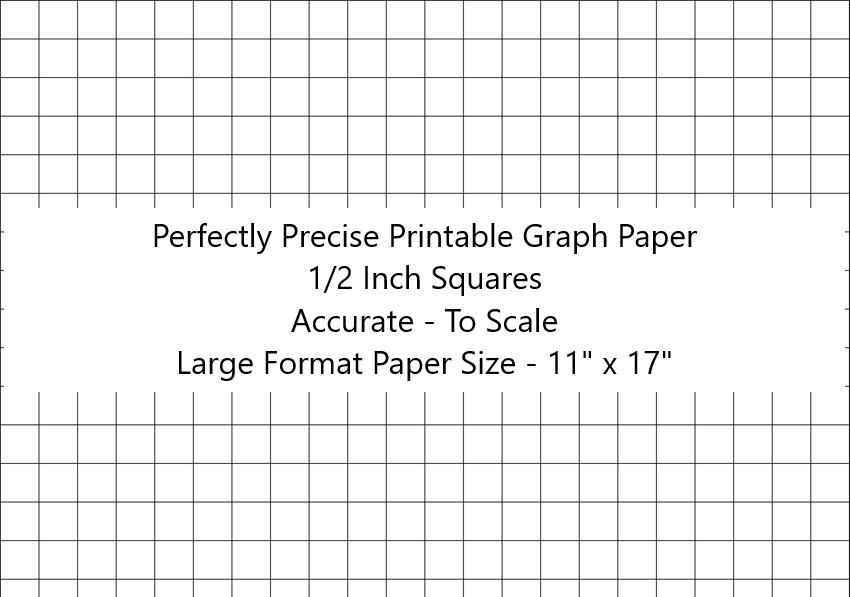
Using grid paper streamlines the early design steps. The coordinate grids help you sketch layouts with consistent scale, so you can transfer geometry to CAD with fewer errors. The larger 11×17 area gives room for multiple views, notes, and dimensioning marks without crowding. Compared with plain paper or lined notebooks, the visible grid acts as a measurement grid and alignment cue, reducing guesswork.
Plan Before You Plot
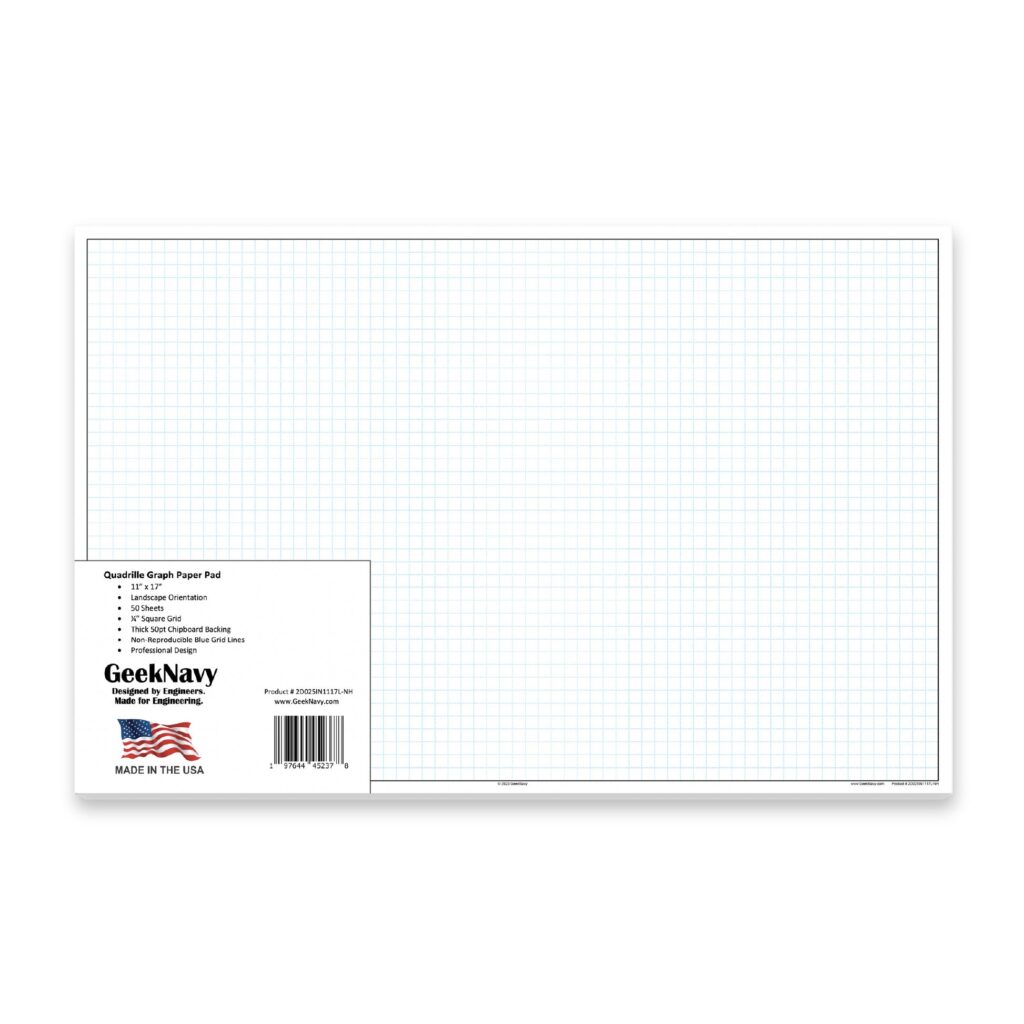
Step 1 is choosing grid spacing that fits your detail needs. Smaller squares, like 1/8 or 1/4 inch, give fine detail but invite clutter; larger squares speed layout for rough concepts. For CAD, many instructors prefer 1/4 inch grid to balance accuracy and readability on 11×17 sheets. Coordinate grids should align with typical software tolerances so measurements transfer cleanly.
Step 2 is orienting and setting margins before you print. Landscape mode often gives room for side views, while portrait can suit stacked elevations. Step 3 is printing at the correct scale and checking alignment; ensure the grid lines match your printer's feed to avoid skew.
Before finalizing, check measurements on the paper against a ruler or calipers. Use the grid as a measuring grid, not just a guide. When you draft a room, cabinet, or mechanical component, annotate key dimensions and tolerances clearly. This helps you validate scale in CAD and reduces the number of tweaks after digitization.
FAQ: Q1: Best grid size? A: Start with 1/4 inch squares. Q2: Landscape or portrait? A: Landscape fits long plans. Q3: How ensure accuracy? A: Check with ruler and CAD scales. Q4: Reuse grids? A: Yes, align before reuse. In conclusion: grid paper helps you plan precisely and transfer layouts to CAD with fewer revisions.