
Printable Grid Paper for CAD: A Practical Guide In my CAD classes, the drafting surface matters as much as the software. A well-chosen grid provides a natural scale, keeps elements aligned, and reduces revision time during early sketching.
In class, I emphasize planning before you draw. Using printable pdf graph paper lets you align axes, label units, and check spacing before you start CAD work. When you print at the right scale, the grid matches your model's coordinate system, which makes layout and dimensioning more predictable and reduces margin-related errors.
Grid planning
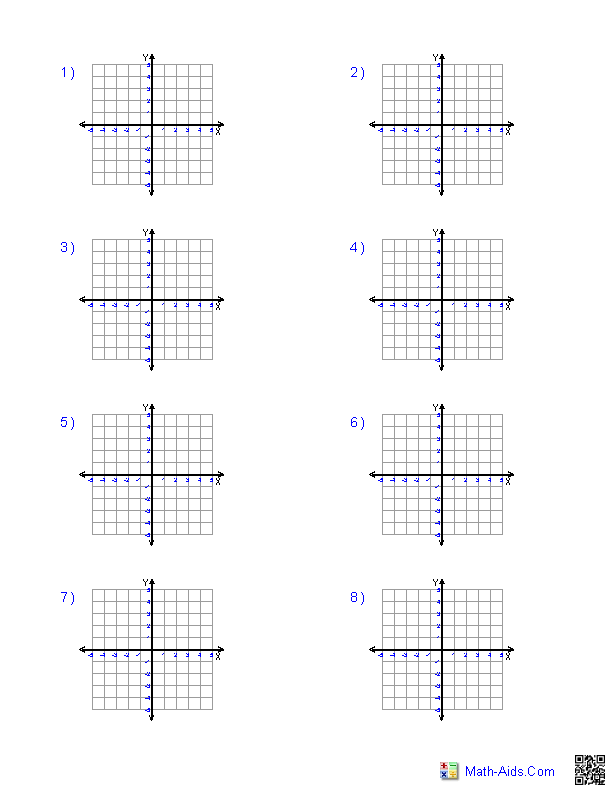
Step 1 is choosing your grid type and size. For most CAD tasks, a square grid with 0.5 mm or 1 mm spacing on small sheets keeps detail manageable, while larger layouts benefit from 5 mm or 10 mm spacing. Consider your units—millimeters, inches, or meters—and how the grid maps to the final drawing in CAD.
Step 2 is selecting paper size and orientation. A4 or Letter size is common in classrooms, but many engineers print on wider sheets to accommodate longer layouts. Decide between landscape and portrait based on typical project shapes, margins, and how you plan to tape or bind sheets for review.
Printing and setup
Scale details Step 3 covers printing scale and settings. Use 1:1 for most drafting, or 1:2 for longer sheets. Avoid automatic fit if you want the grid to stay square; check scale in the print dialog and match it to your paper size. In a browser, pick the correct printer and ensure no extra margins are added.
After printing, verify measurements against a ruler. Check a known dimension on the page and compare to your CAD model. If you notice drift, adjust printer or browser settings and reprint. This helps when you later import printed layouts into a digital workflow.
Compare printable grids with plain and lined paper for practical tasks. Plain paper demands drawing the grid, risking errors. Lined paper distorts spacing and angles. Printable grids on standard paper let you sketch to scale and then digitize. FAQ: 1) Main benefit? Keeps sketches in scale. 2) Best spacing? Start with 1–2 mm. 3) Printing to scale? Use 1:1 and verify with a ruler. 4) Reuse across tasks? Yes, adjust the printing scale as needed.