
As a CAD instructor, I start many lessons with a simple planning exercise on paper before moving to the screen. The physical act of sketching helps students internalize scale, margins, and grid alignment. It also reveals potential mistakes early, saving time later in CAD workflows.
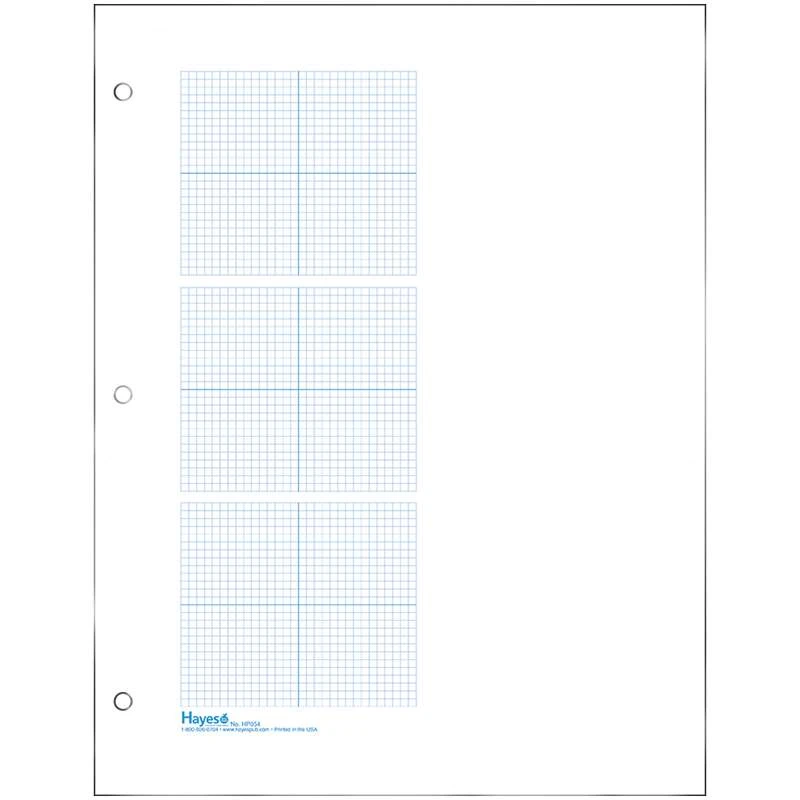
In practice, I reach for graph paper that shows a clear grid and generous margins. The coordination between the paper grid and CAD coordinates makes it easier to translate a hand sketch into a precise model. Some students prefer blue graph paper for contrast, while others like white sheets; the choice matters less than how you use the grid.
Grid size and spacing
Step one is defining the task and selecting the coordinate grid that matches your CAD standard. On plain paper, the natural spacing helps you spot alignment issues early, while grid paper clarifies exact distances. For mechanical parts, use square grids such as 1/8 inch or 1 millimeter depending on the unit system. Consider margins and orientation; portrait or landscape as needed.
Grid spacing options
Step two is choosing grid spacing that matches the level of detail you plan to draft. Denser grids, like 0.5 mm or 1/16 inch, help with fine features but can crowd the drawing. Coarser grids speed the planning stage and reduce clutter, yet require larger margins and careful scaling when moving to CAD.
Step three is translating the plan to a CAD-friendly workflow. After you lock grid size and spacing, use the plan as a reference for creating reference geometry in the software. Label axes lightly on paper to minimize confusion later, and annotate units. This discipline reduces back-and-forth corrections when you switch to digital drafting.
Printing setup

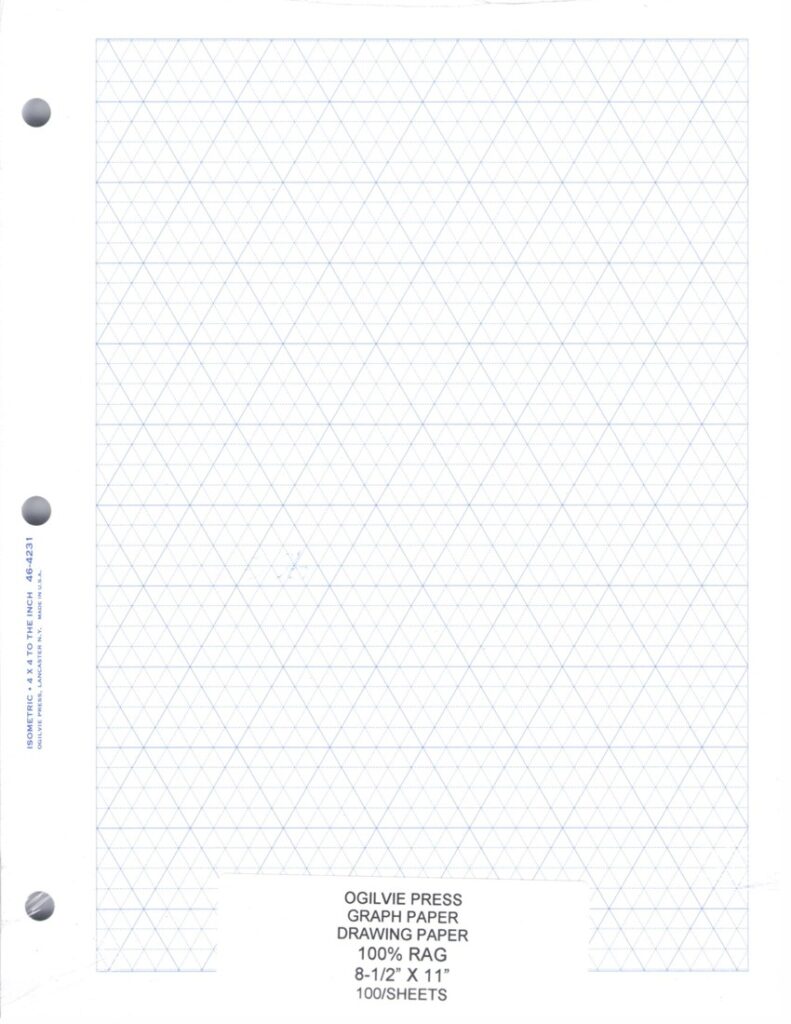
FAQ about grid planning helps students move from sketch to CAD more smoothly. Q: How do I choose a grid size? A: Start with the smallest feature you expect to draft and pick a grid that supports multiples of that size. Q: Is color important for clarity? A: Color is optional; blue graph paper can improve contrast, but the grid matters most. Q: Should I print at 1:1 scale? A: Use 1:1 for verification, then switch to CAD scale.
Q: How do margins affect drafting on a physical sheet? A: Keep consistent margins so notes stay outside the critical drawing area. Q: What about paper size and orientation? A: Choose a size that fits your largest view with space for annotations. Q: Are printable grids reliable? A: They are, as long as you print at the correct scale and verify measurements.
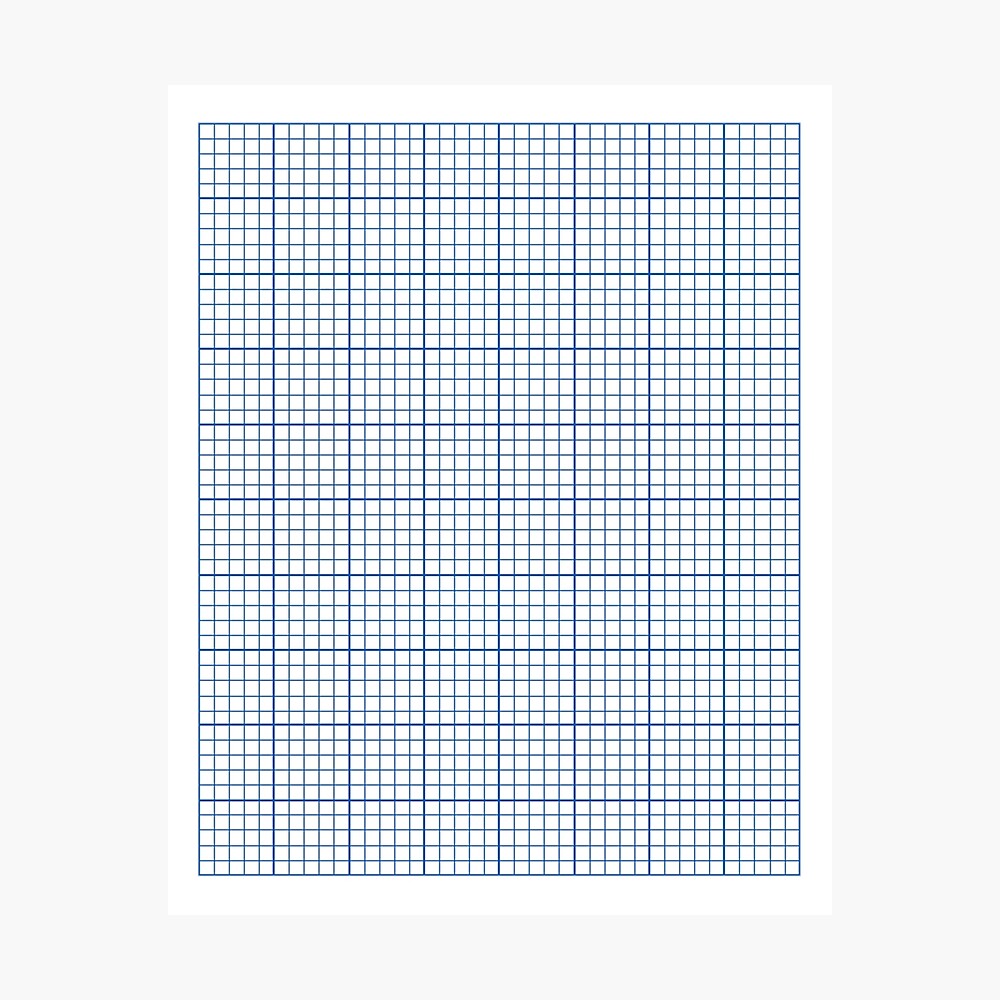
Conclusion: Using blue graph paper as a planning bridge between drawing and CAD can improve accuracy and speed. Start with a grid size you can trust, check scale, and print carefully. Compare the experience with plain or lined paper to see where grids save time and where you prefer on-screen adjustments.