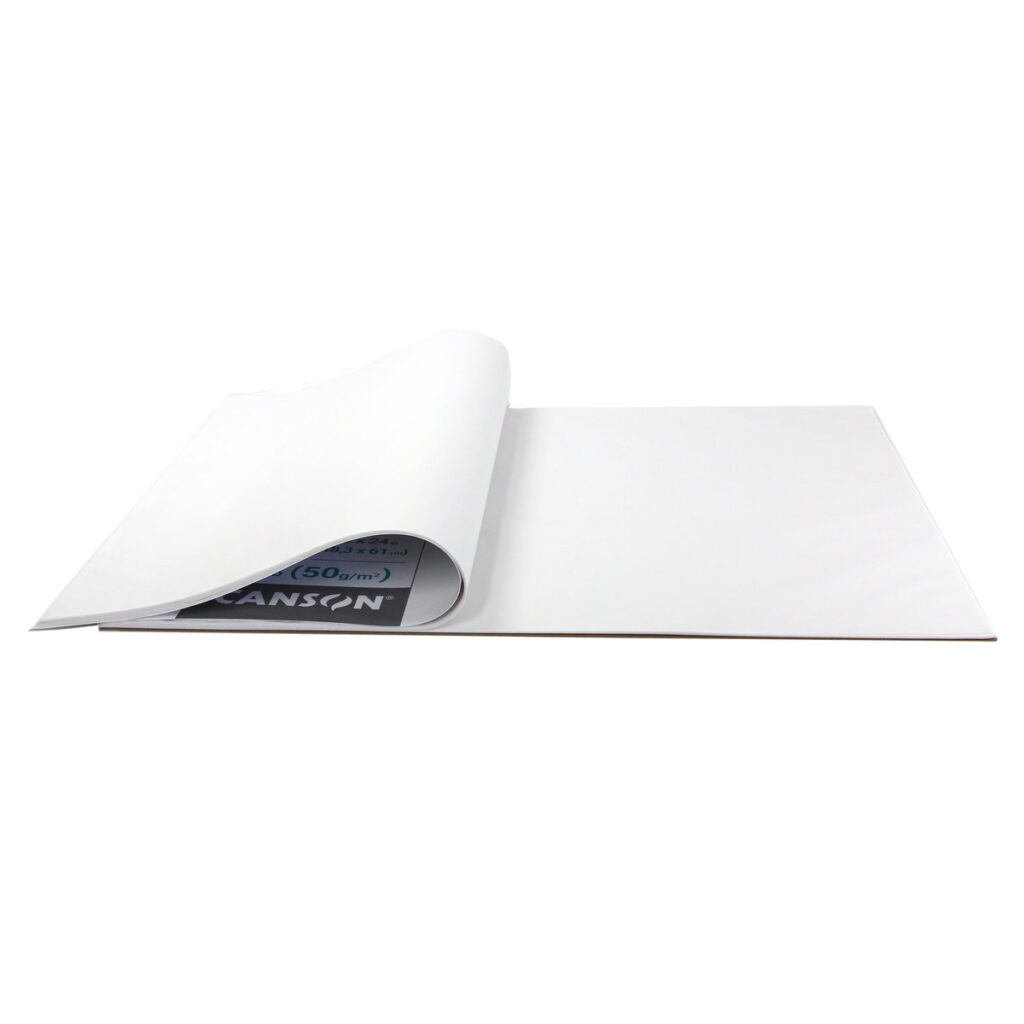
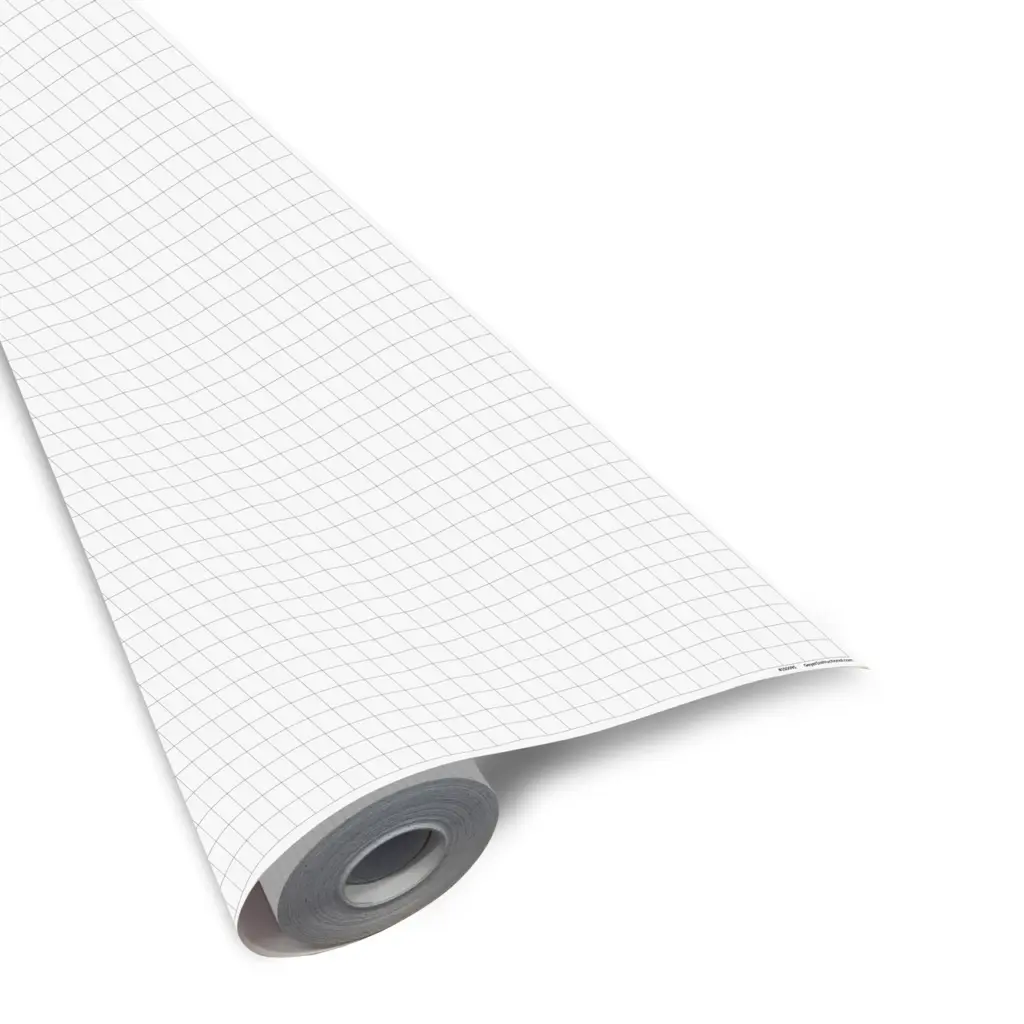
In my classroom, I rely on simple tools that make math visible and repeatable. A dependable graph paper roll keeps our coordinate grids neat as we plot functions, compare slopes, and annotate units. Precision matters, so we choose paper that lies flat, absorbs ink well, and scales cleanly.
When you print on grid paper, accuracy starts with layout. I explain margins and why consistent grid spacing matters. We print a small sample and measure several squares with a ruler to confirm that each square truly represents one unit. If anything drifts, we recheck the printer settings before the next class.
Grid size choices
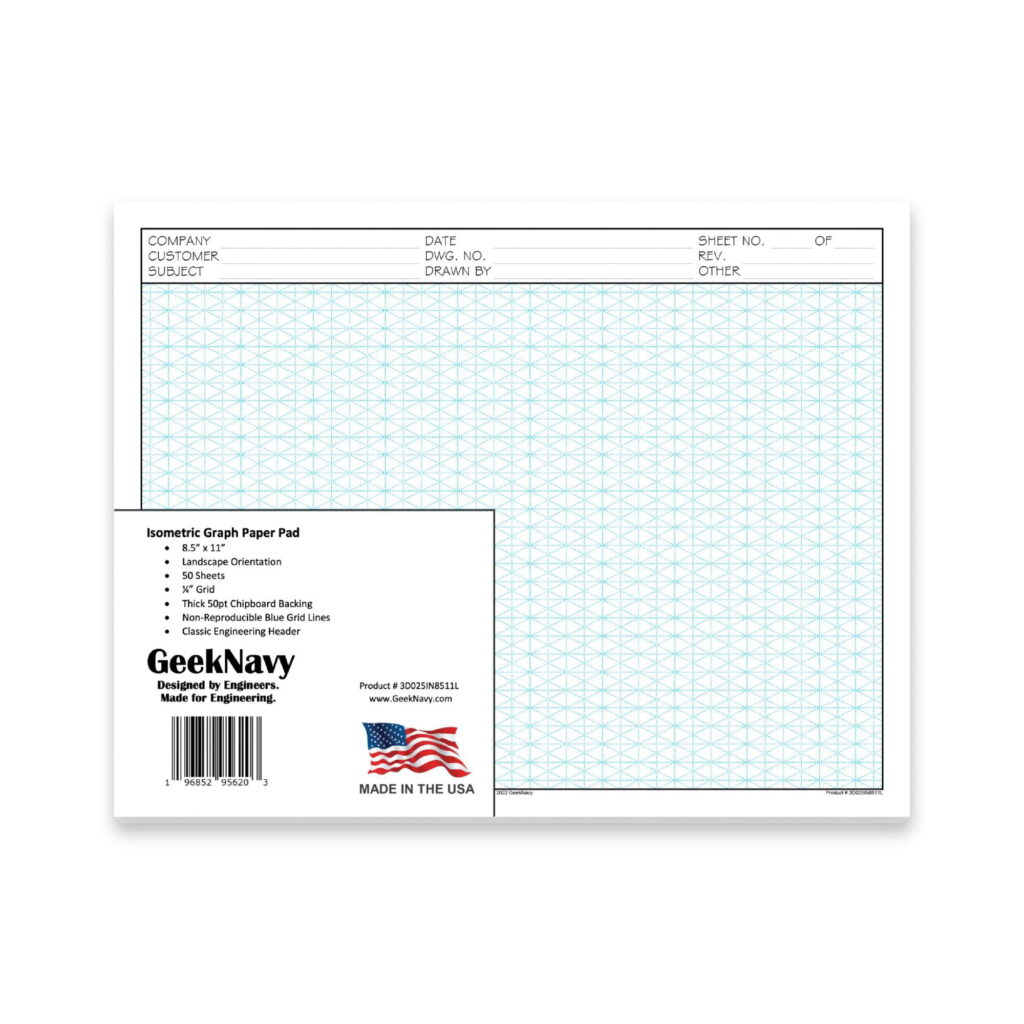
Decide the grid size based on the task. For algebra work or plotting coordinate grids, smaller squares (like 1/4 inch) let you fit more data and show precise slopes, but they can be harder for younger students. Larger squares (1/2 inch) are forgiving for quick sketches or axis labels. The math goal should guide your choice of square grids.
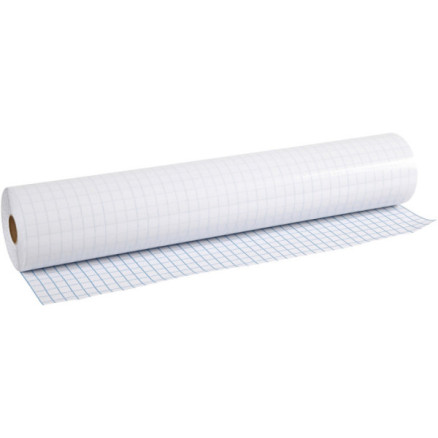
Margins matter more than you think. Equal margins help students align graphs and keep annotations tidy. If you must fit a worksheet on a fixed page, measure margins before printing and adjust scale so no grid lines are clipped. Portrait orientation is typical, but landscape can be handy for long charts.
Paper settings
Set the print scale to 100% and disable fit-to-page unless you need a specific fit. Browser and printer settings can stretch or shrink grids unintentionally. Use landscape or portrait on purpose, and verify that edge margins preserve full grid visibility. If lines disappear after printing, tweak paper size or scale in the print dialog.
Quality checks
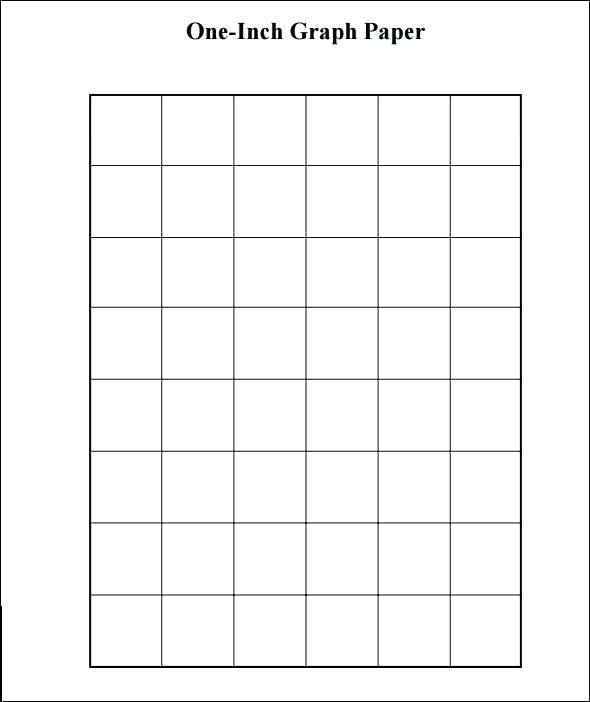
Always measure a few squares to confirm accuracy. If a 10×10 area prints as exactly 2 inches, your grid spacing matches the expected scale. If it measures differently, note the discrepancy and either adjust scale or choose a different paper size. Such checks build student trust in coordinates and graphs.
Create a simple classroom workflow: pick a grid paper size, set margins, print a test page, and check. Save your preferred settings in the browser or printer profile so results repeat. A steady routine speeds lesson planning and minimizes surprises when showing coordinate grids or printable grids to the class.
FAQ: Q1: How do I choose grid size? A: Match to the task and age; smaller squares for detail, larger for quick sketches. Q2: What about margins? A: Keep even margins so graphs align. Q3: Portrait or landscape? A: Use the orientation that fits your lesson. Q4: How can I verify accuracy quickly? A: Print a test page and measure a few squares to confirm spacing. Practical takeaway: right grid size, margins, and scale keep printable grids reliable.